How RealA Works
RealA helps you find compatible runners nearby. Build your profile, discover local matches by pace and location, and coordinate your runs in-app.
Create your runner profile
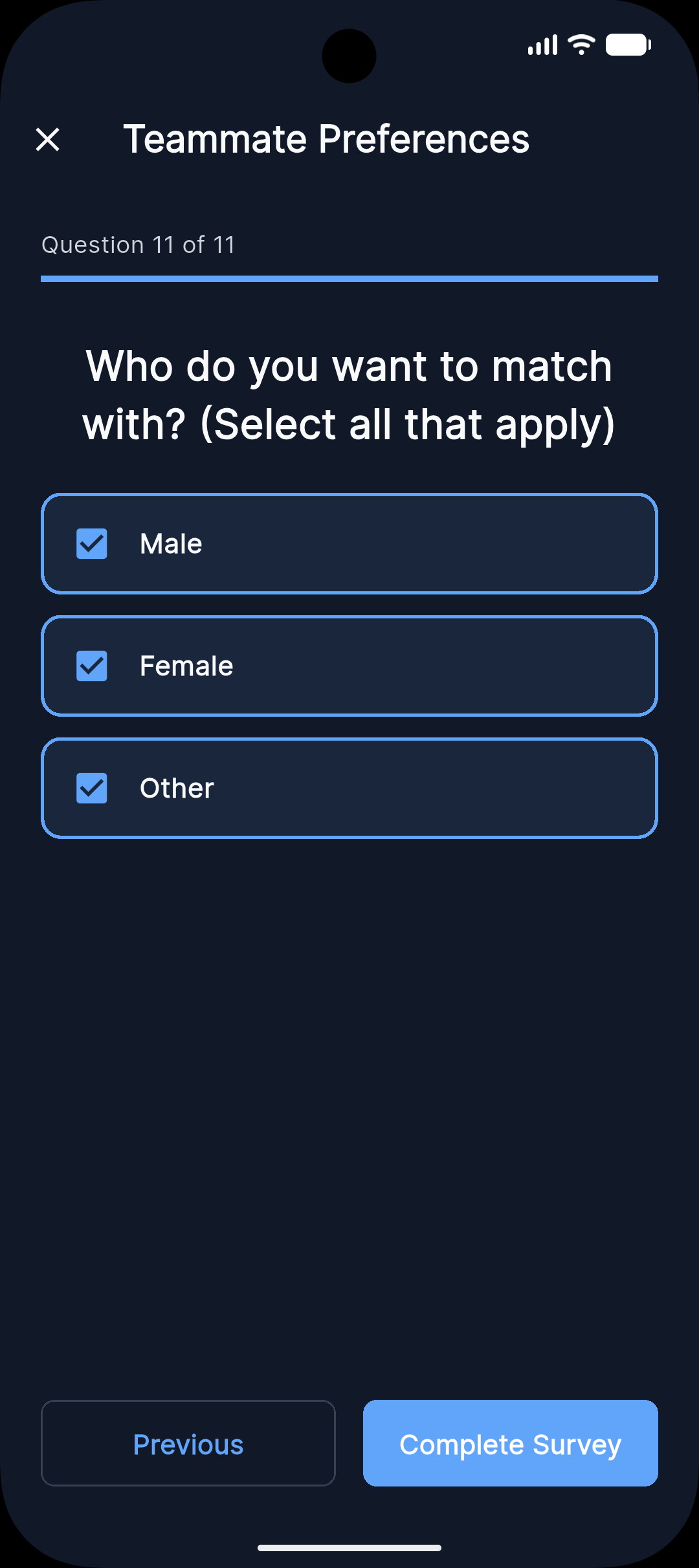
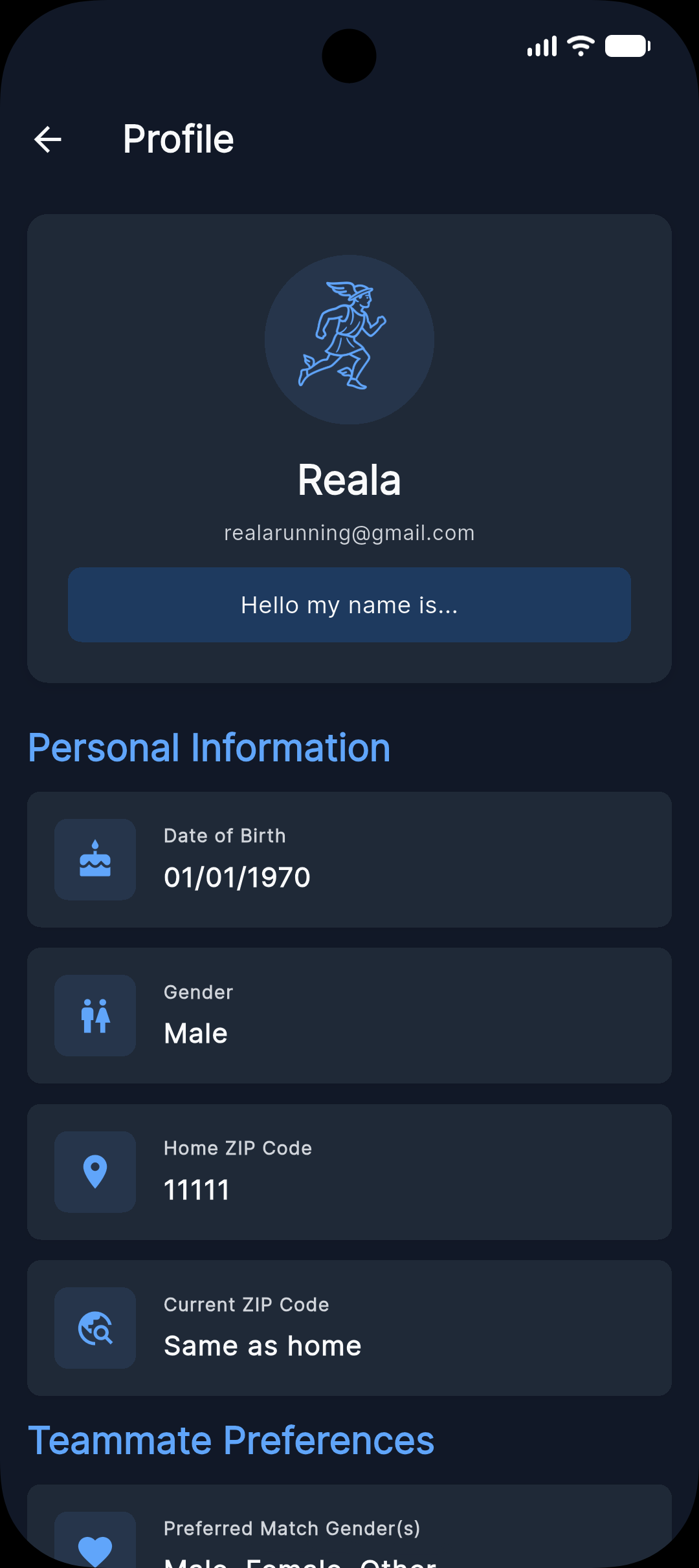
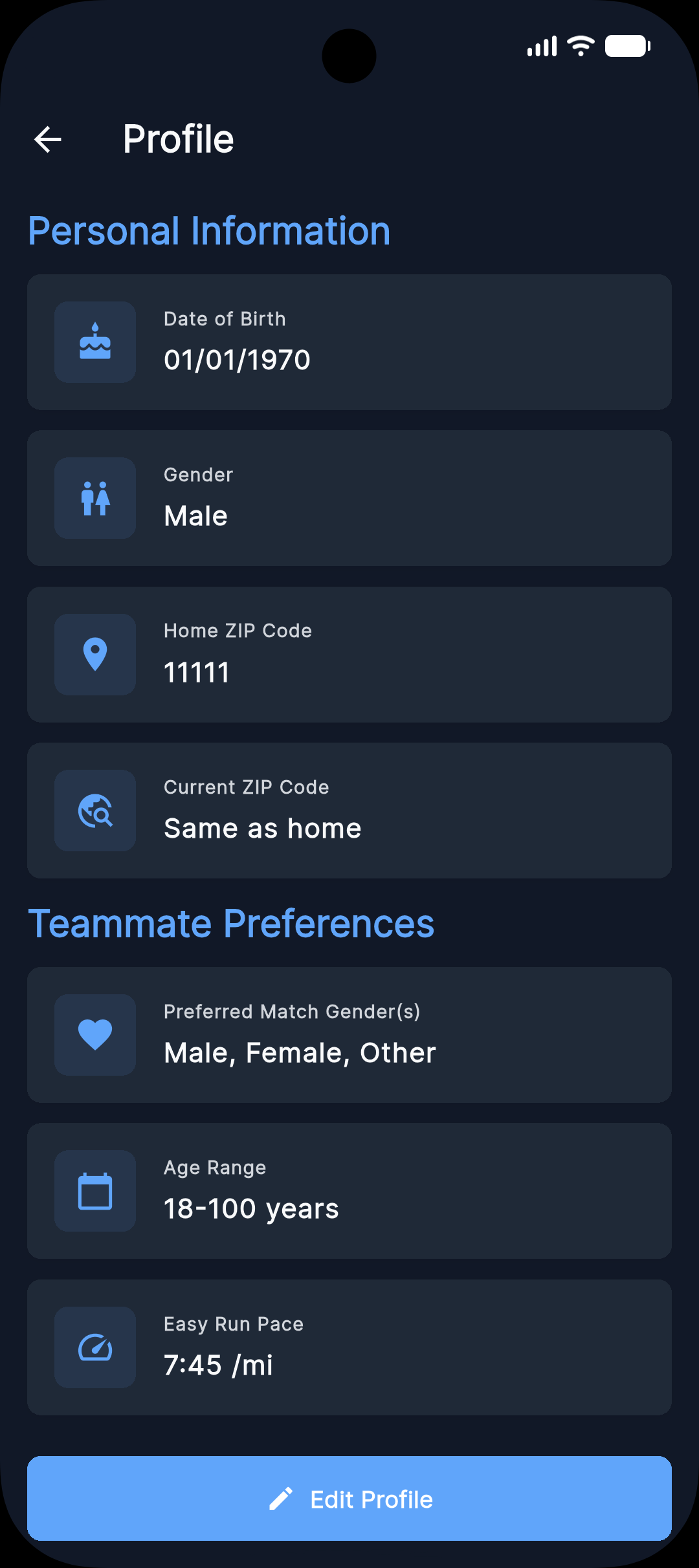
After creating an account with email or Google, add key details like your ZIP code, pace, and a short bio so others can assess fit quickly.
Sign up, then complete the survey:
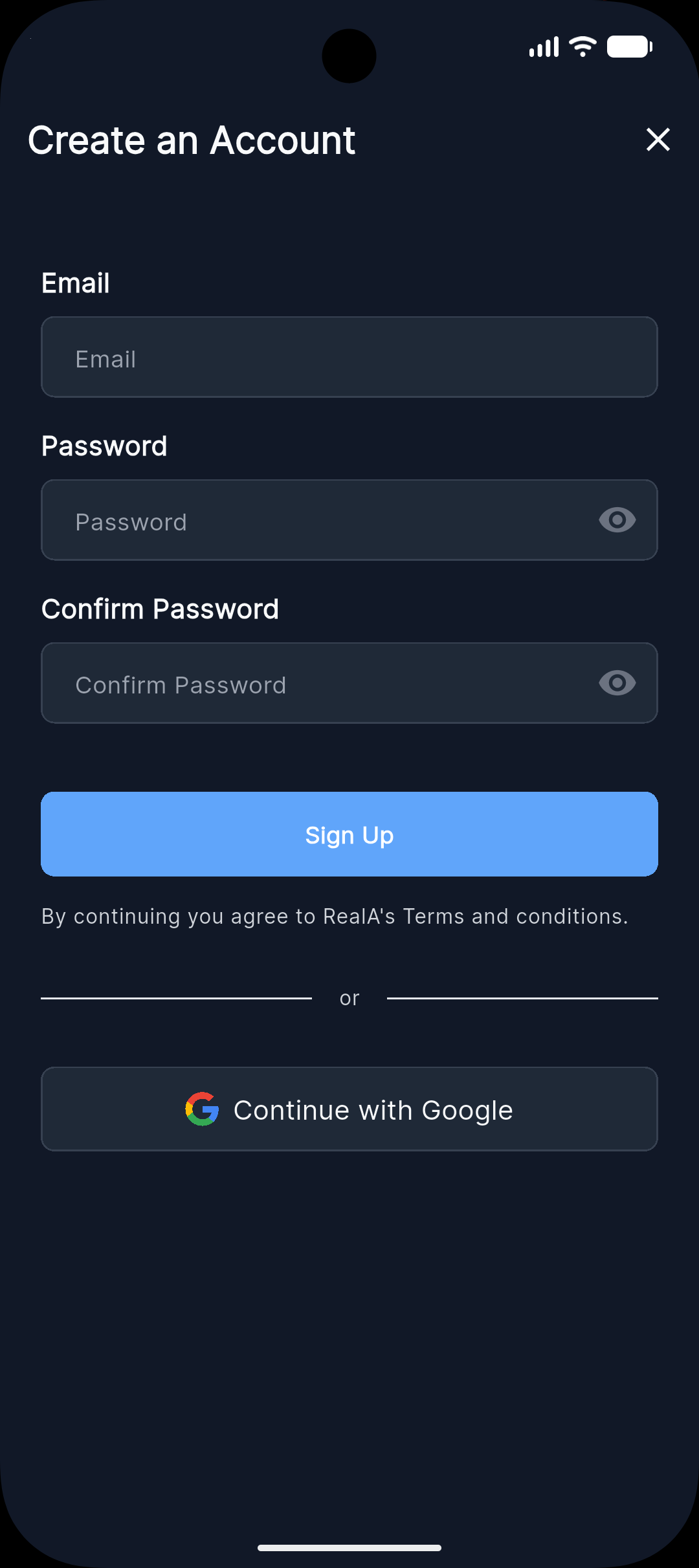
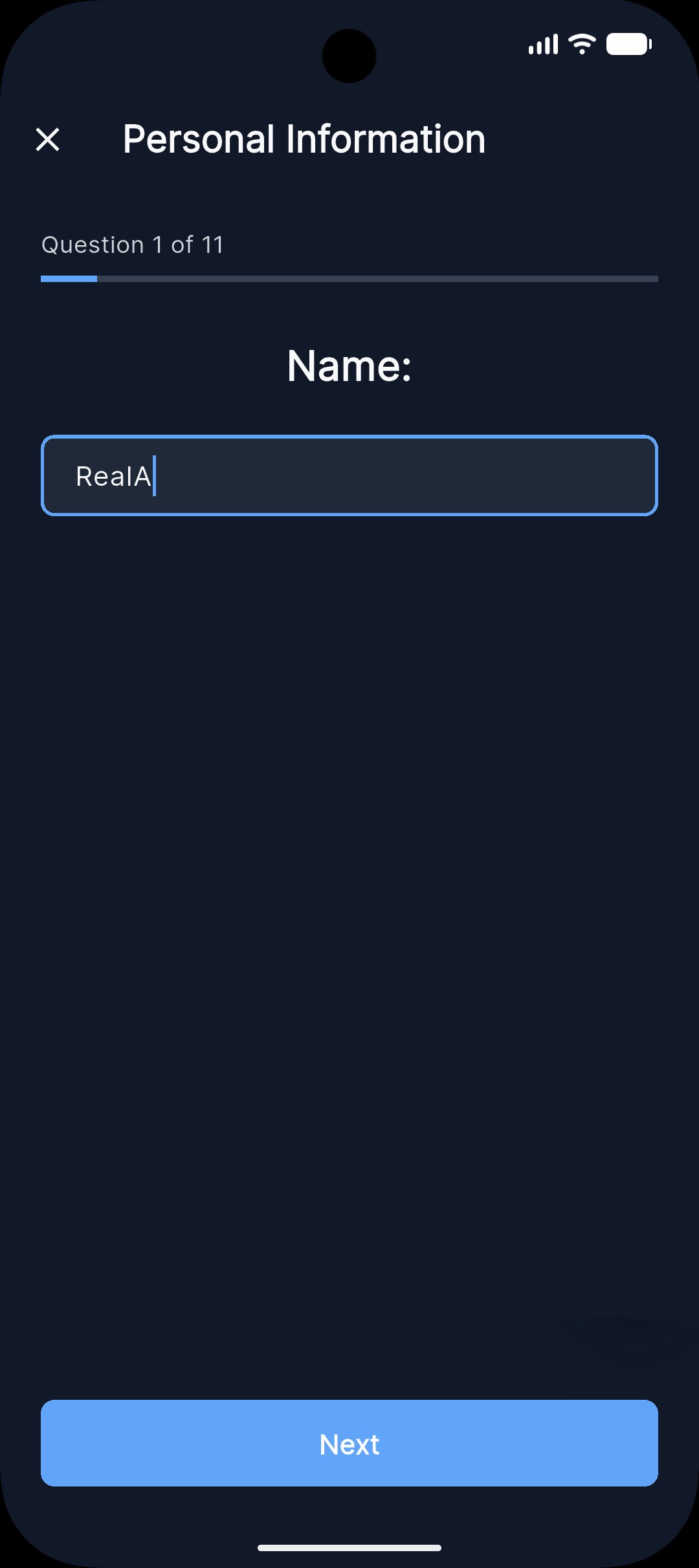
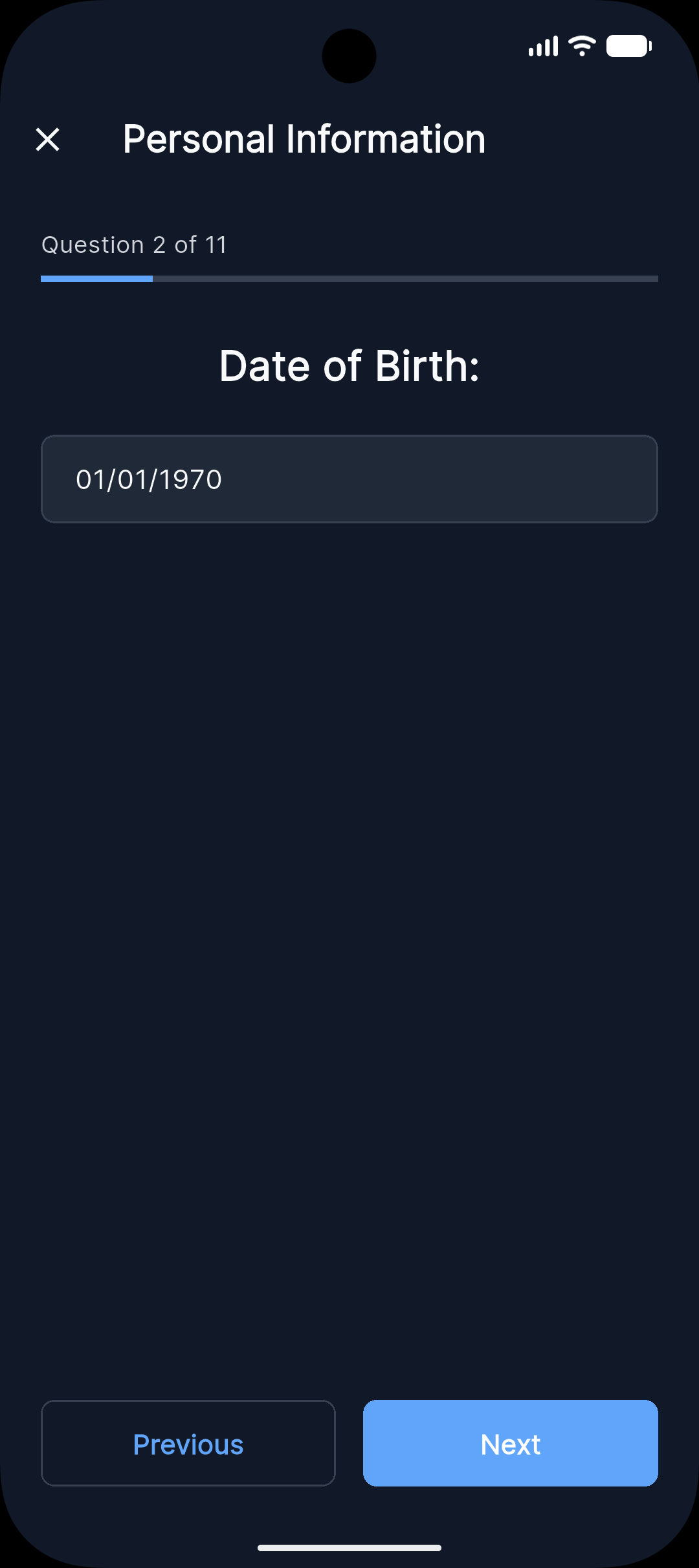
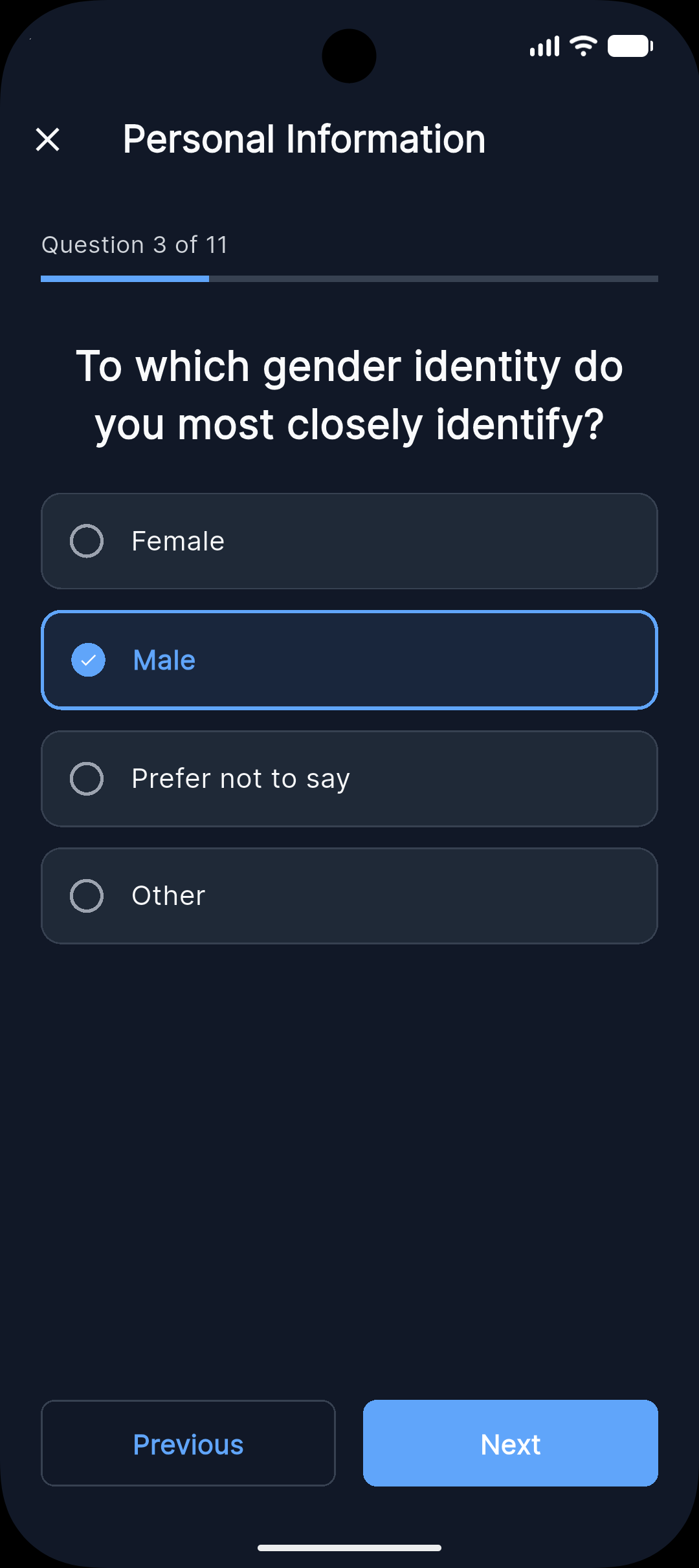
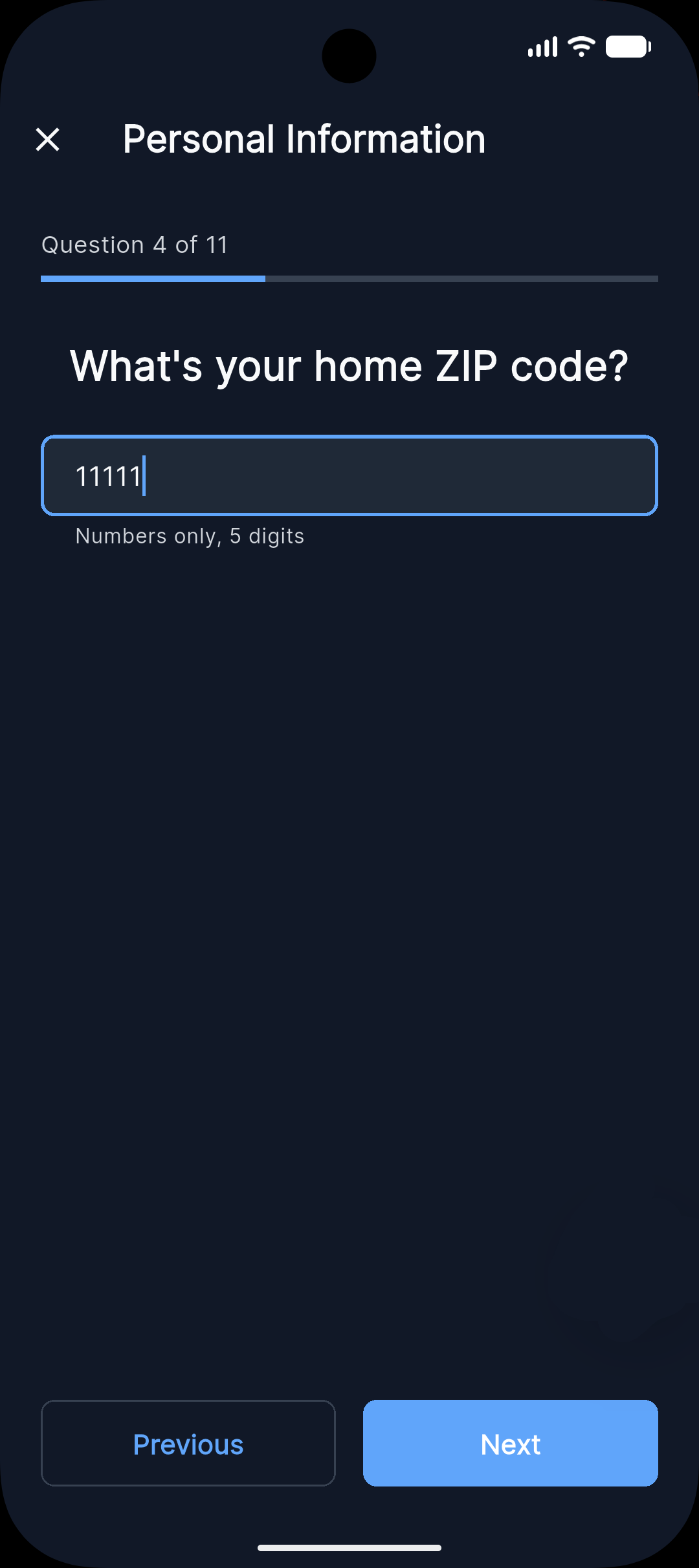
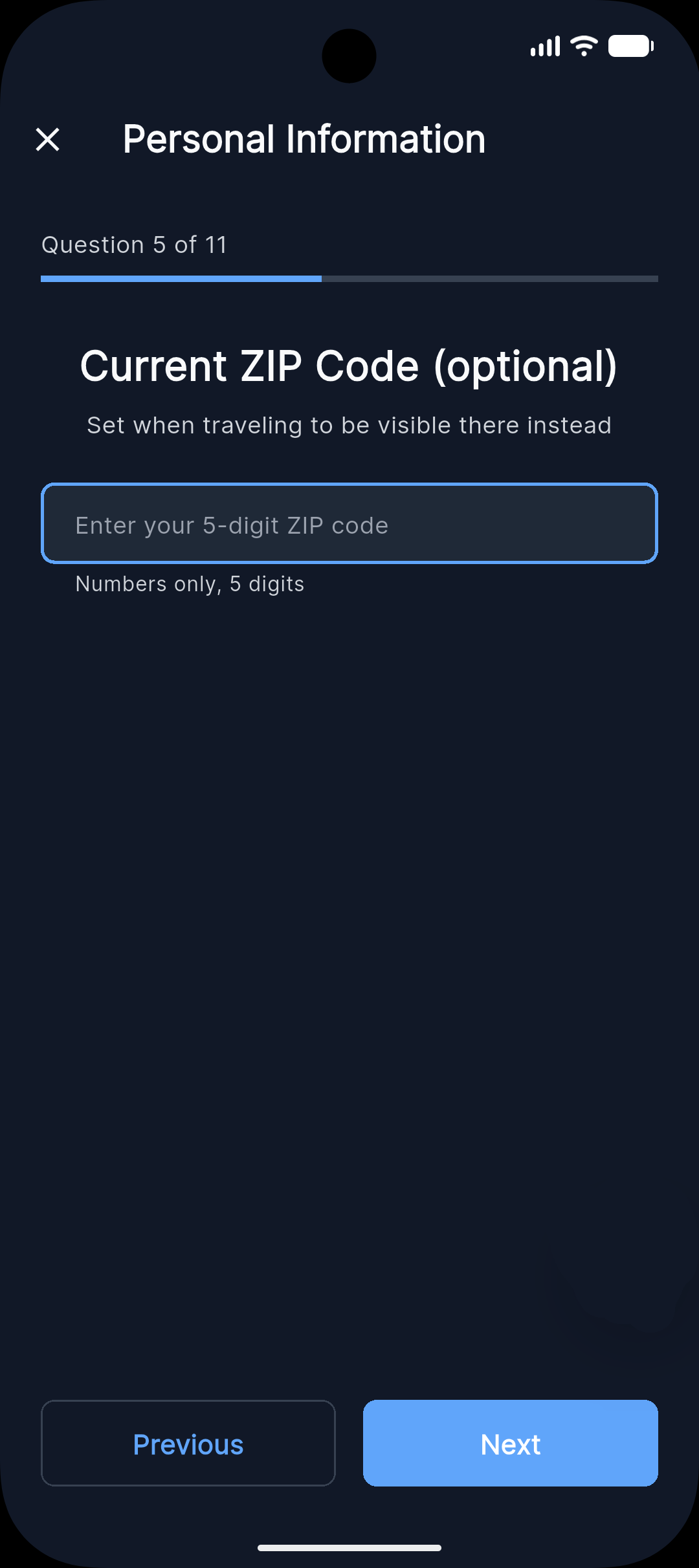
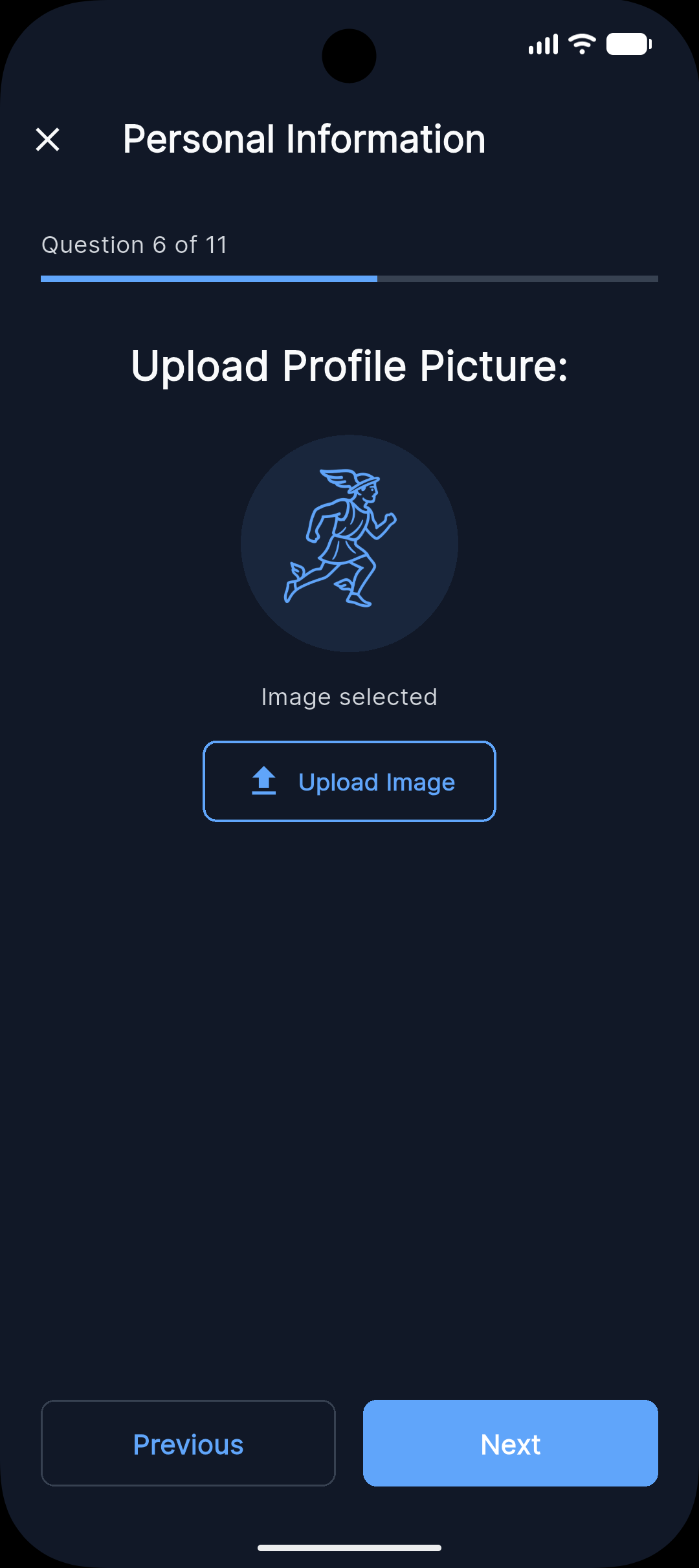
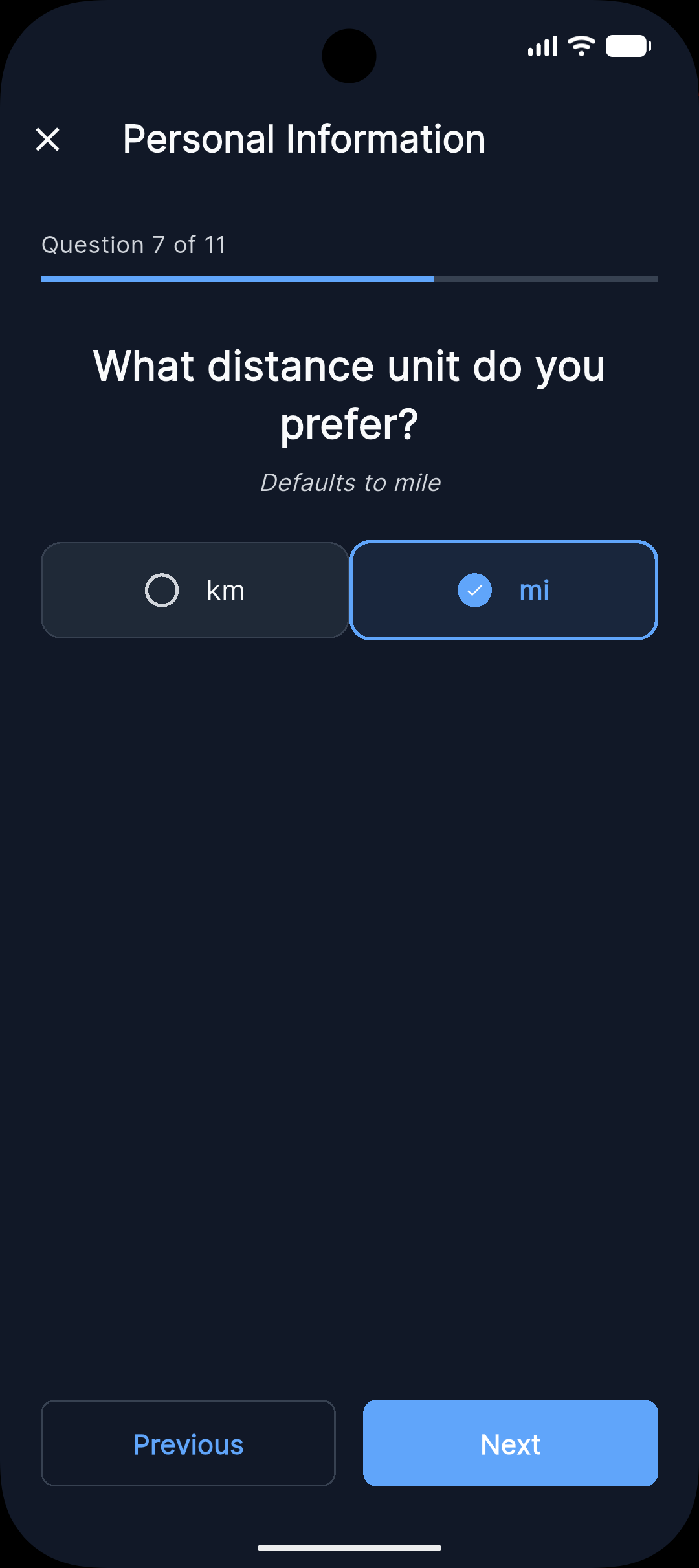
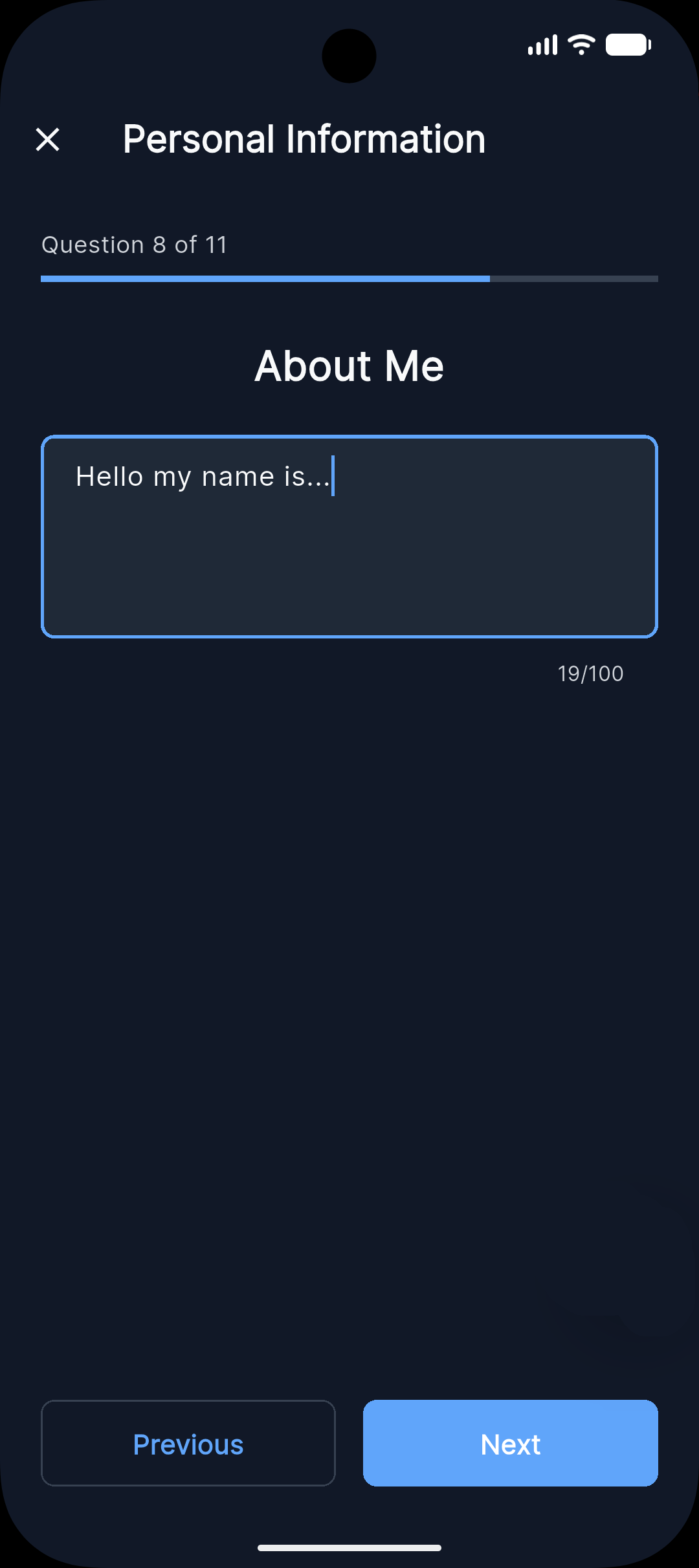
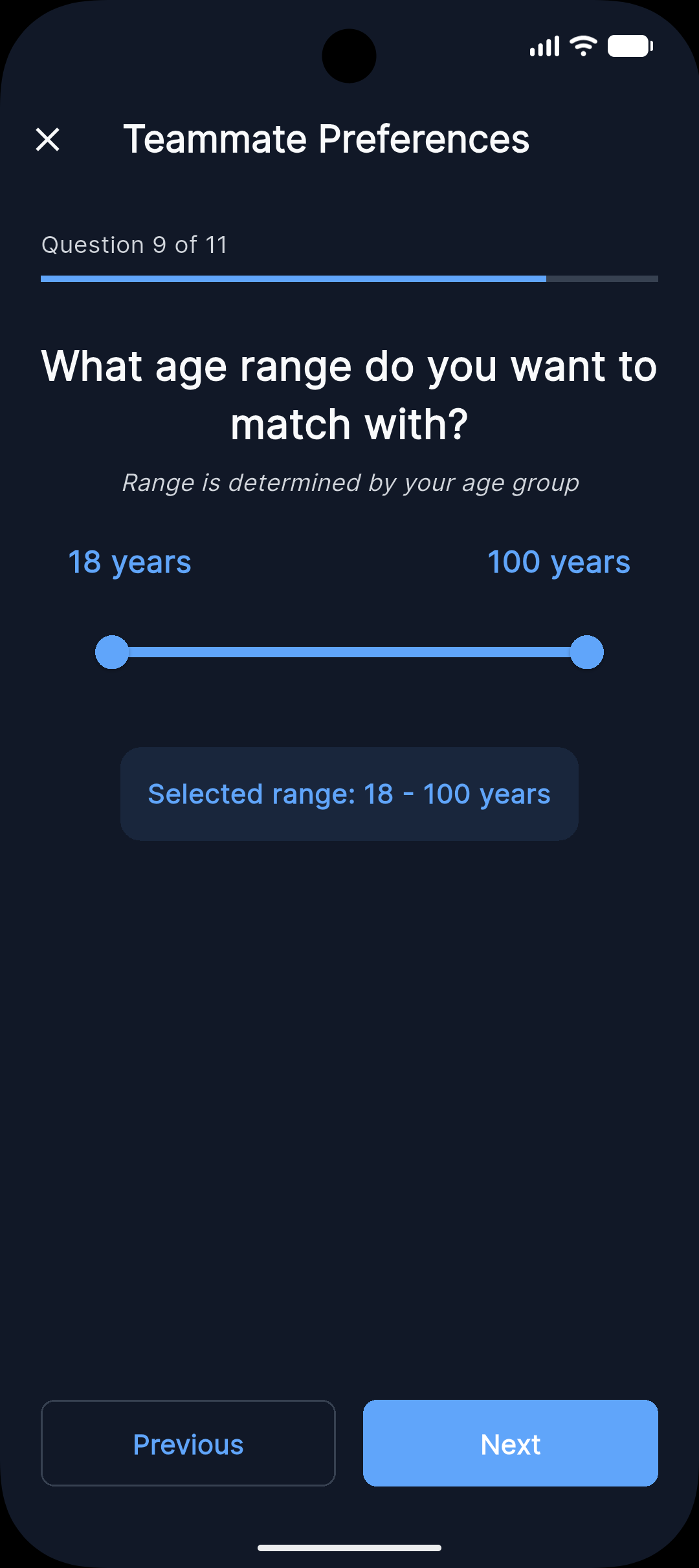
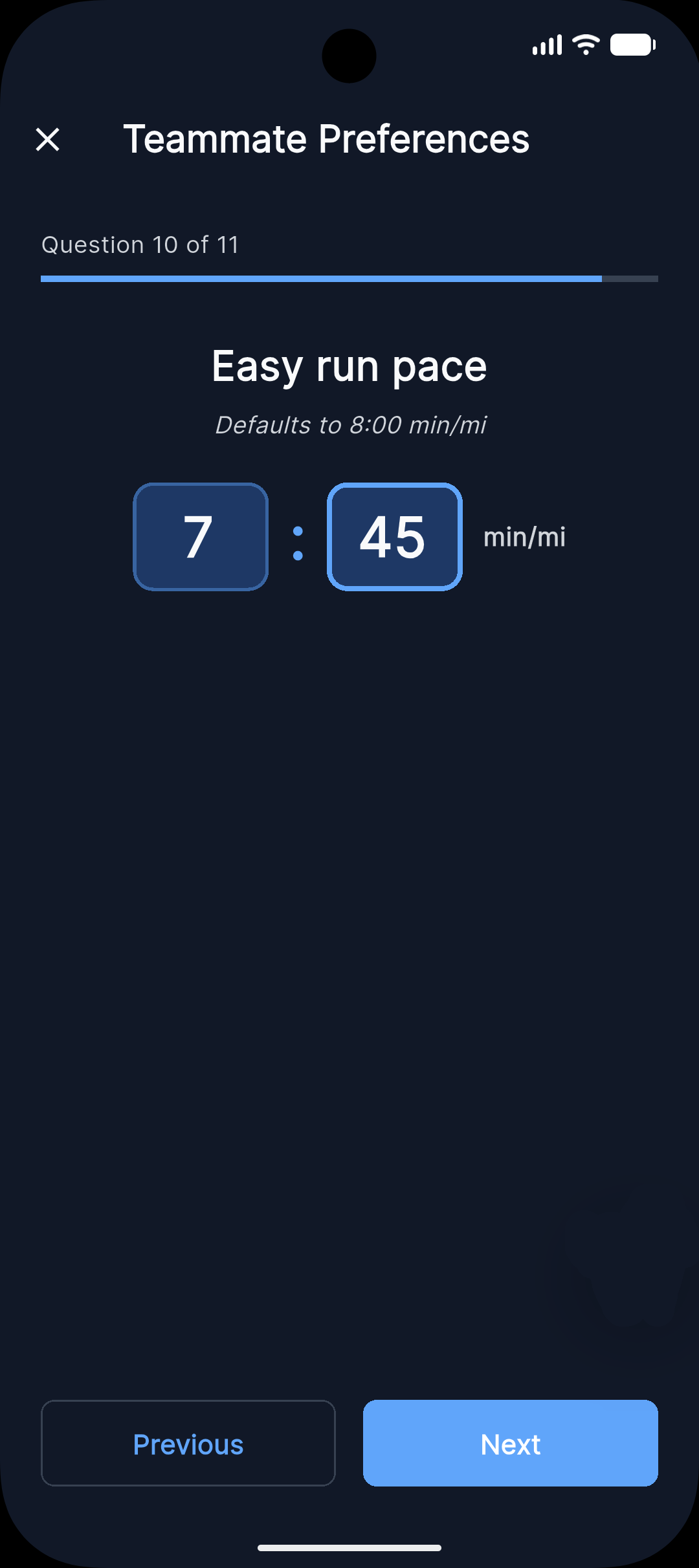
Then edit your info anytime from the profile screen:
Discover runners near you
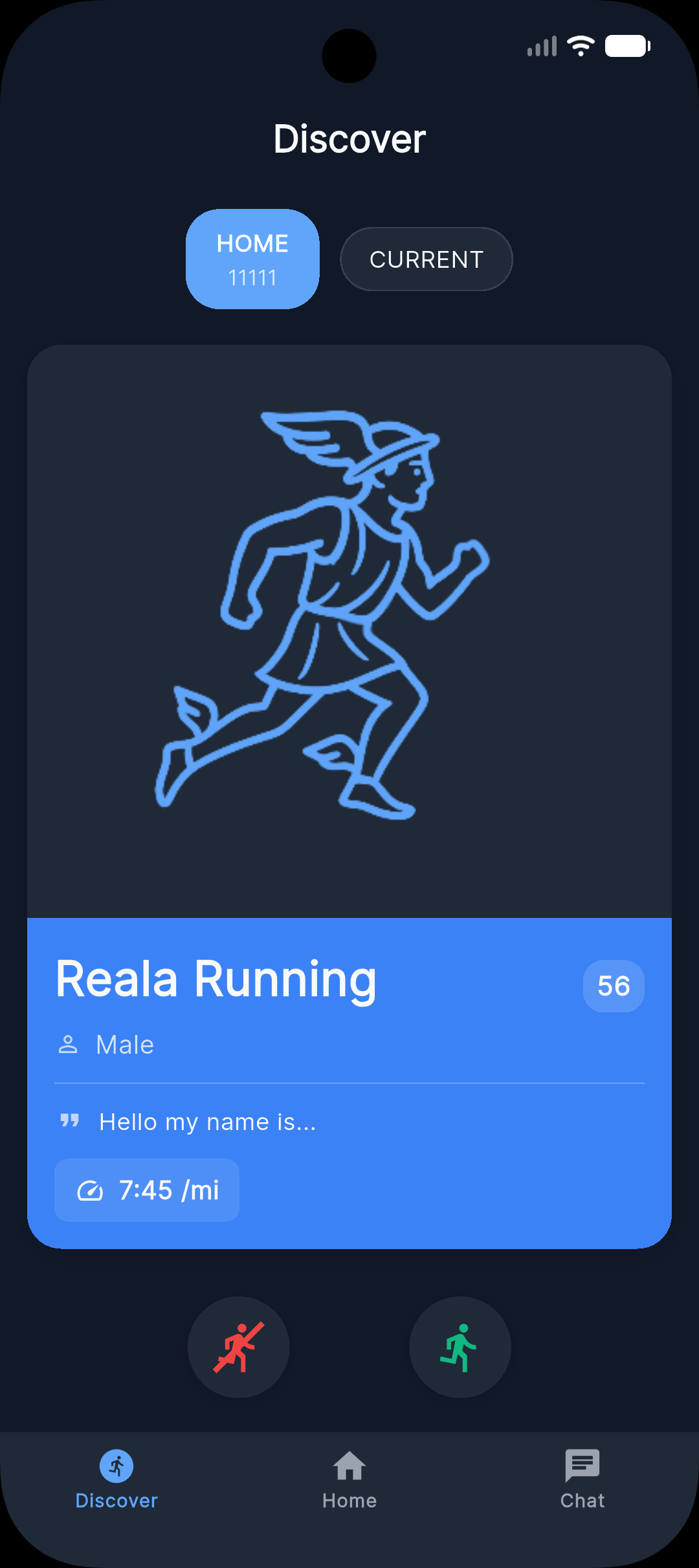
In Discover, you see runners in your area who completed their profile. Filter by location, gender preference, age range, and pace to quickly find strong matches.
Discover screen:
Like or pass
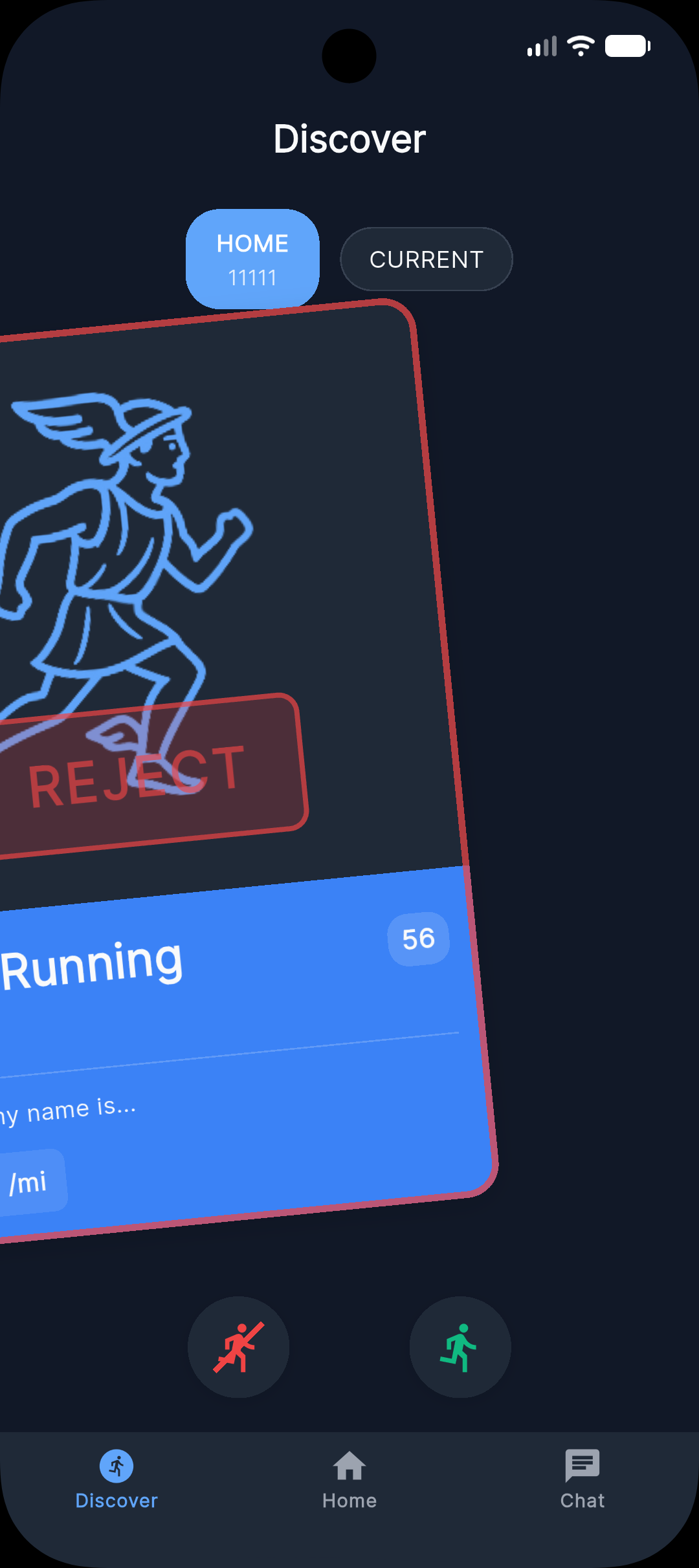
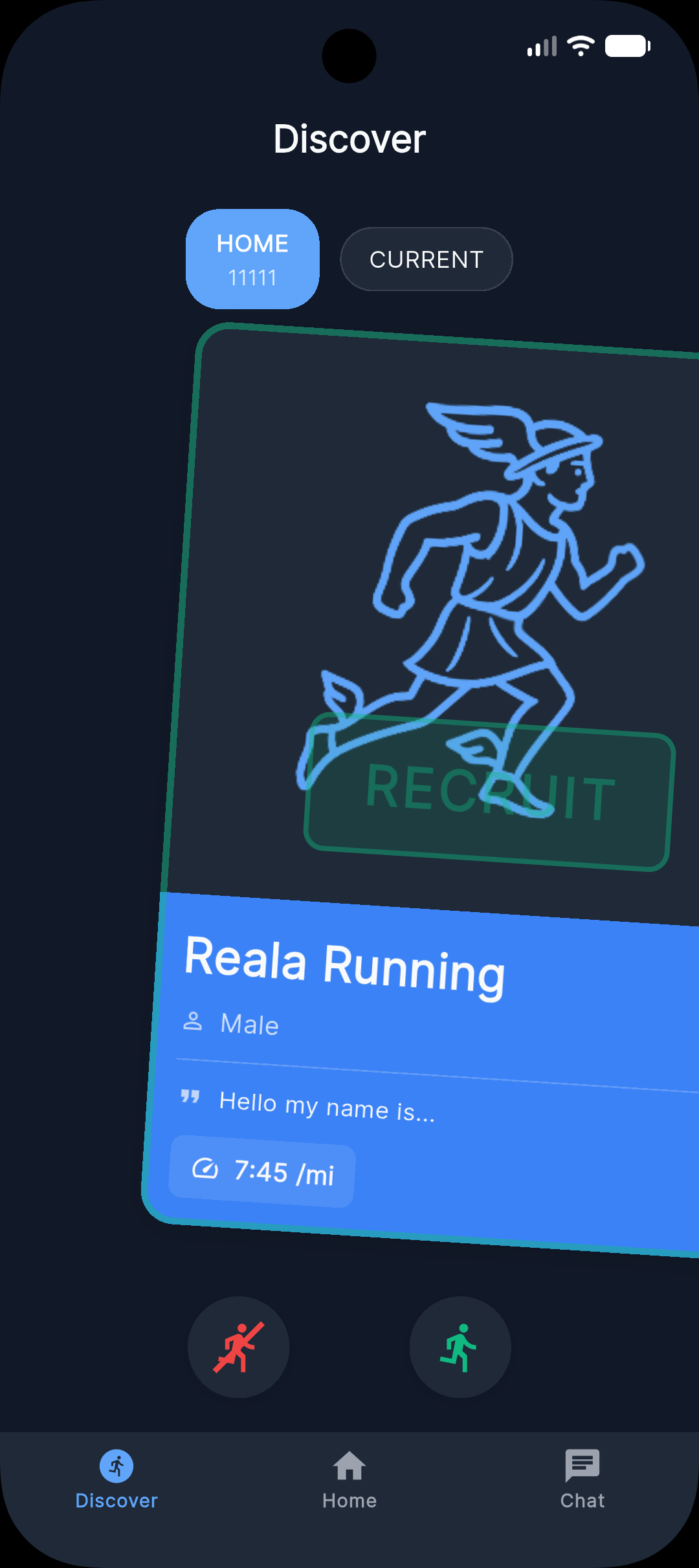
Swipe right to like or left to pass. You can also use the on-screen action buttons. If both runners like each other, a match is created and chat unlocks.
Swipe right to like, left to pass:
Chat in the app
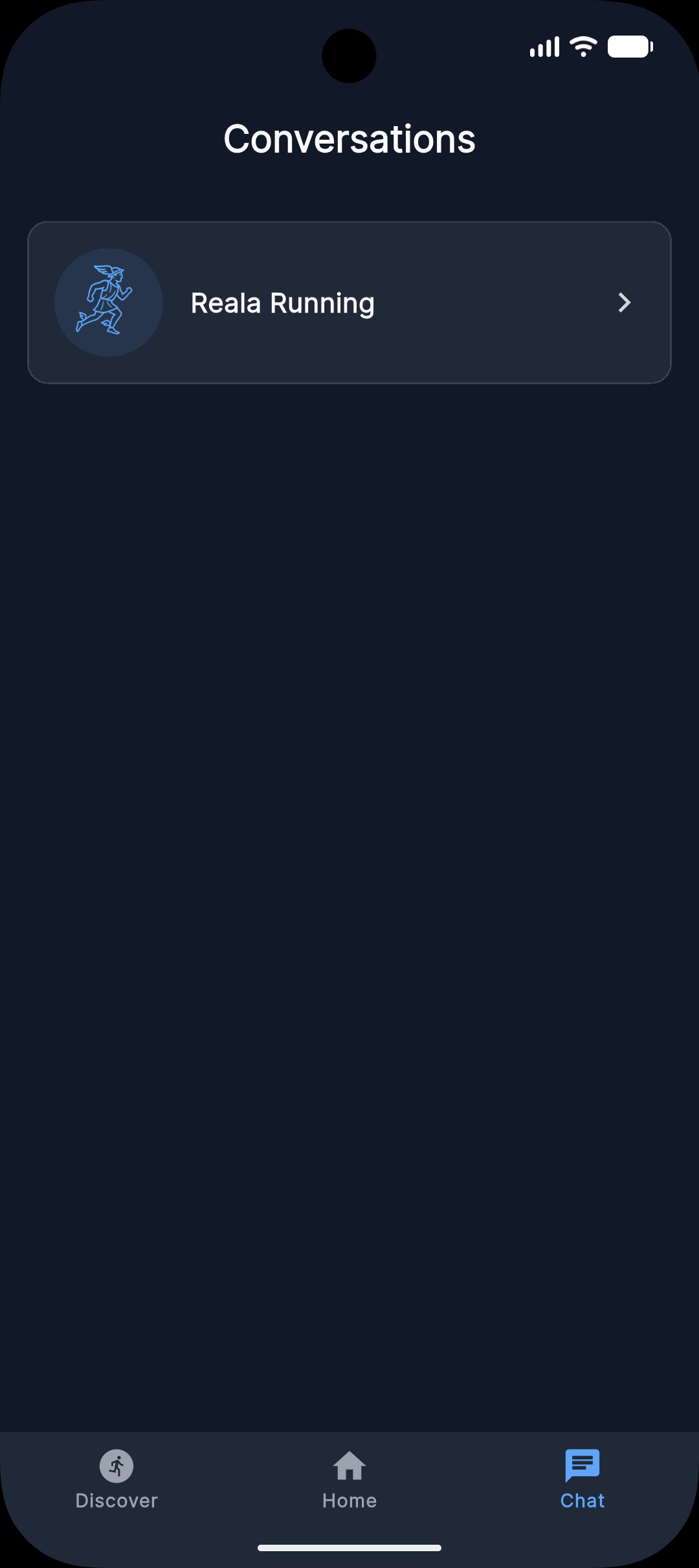
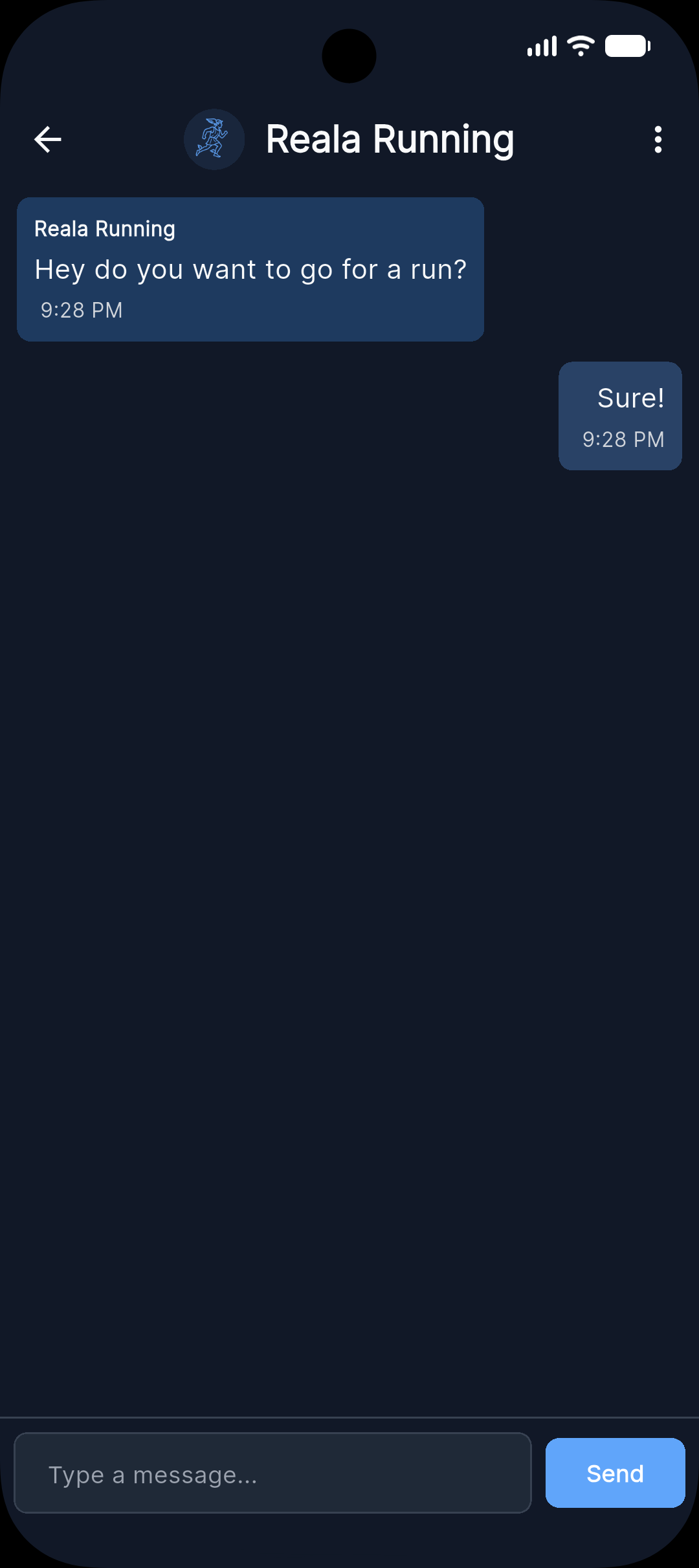
After matching, continue in chat to coordinate routes, pace, and timing. Messages are real-time, and safety tools like block and report are available if needed.
Chat with your match:

A note on safety
You can block or report anyone from chat or from their profile. Reports can include reasons such as harassment, inappropriate content, or child-safety concerns, and we take them seriously. For full details, read our full safety guide →
Common questions
Do I need a GPS watch or running tracker to use RealA?
No. You only need a phone to use RealA. A GPS watch can help, but it is optional.
What if our paces don't perfectly match during the run?
Small mismatches can happen. The best approach is to set expected pace in chat before meeting so both runners start aligned.
Can I use RealA to find a running group, not just a one-on-one partner?
Right now, RealA is focused on one-to-one matching. Group features may come later.
Is RealA free?
Yes. RealA is currently free to sign up and use.