Safety at RealA
We're committed to keeping RealA a safe place to find running partners. Everything from how we handle location to block and report is designed with your safety in mind.
Our approach to safety
We combine in-app controls, clear privacy choices, and human review of reports so you can focus on finding your next run.
Messaging
In-app chat first
All coordination happens inside RealA. We don’t encourage moving to other apps before you’ve met, so conversations stay in one place and can be reviewed if needed.
Controls
Block & report
You can block or report anyone from the chat screen at any time. Blocked users can’t see your profile, message you, or appear in your discover feed. Reports are reviewed by our team, and child-safety reports are prioritized.
Privacy
Data privacy
We match by ZIP code only-your exact address is never collected or shared. There’s no GPS tracking; RealA never accesses your precise location. You choose which ZIP (home or current) is active for discovery.
Moderation
Profile moderation
Profiles are built from what you provide (e.g. photo, pace, preferences). We review reported content and take action on policy violations. You can also hide your pace on your card or pause discovery in Settings.
How to block or report someone
From a chat
In the chat screen, tap the menu or info icon, then select Block or Report.
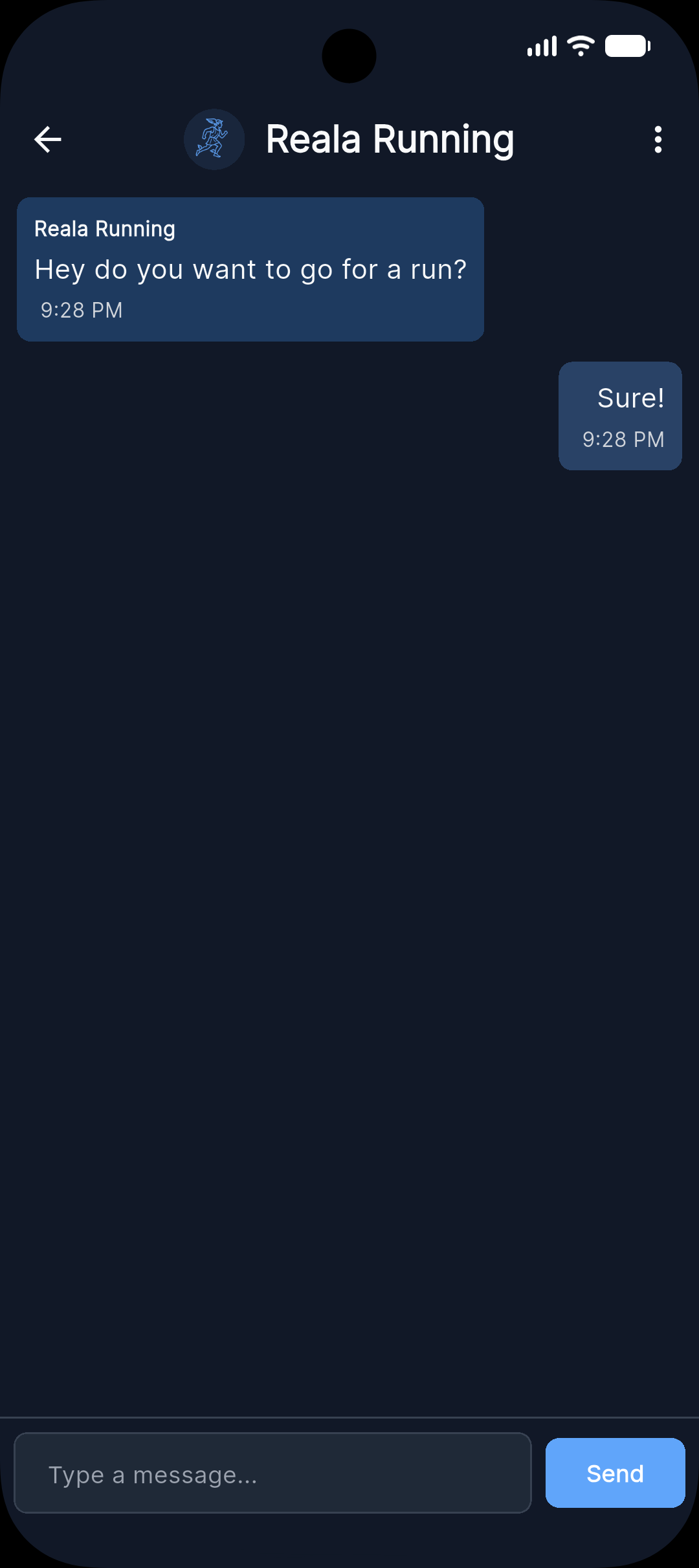
Tap Take action to open the options:

Choose Report to send an issue to our team, or Block to stop that person from seeing your profile and messaging you:


Via email
For urgent safety concerns, email us directly at reala.running@gmail.com with "Safety Report" in the subject line. We treat these as high priority.
Block stops that person from seeing your profile, messaging you, or appearing in your discover stack; you can unblock later from Settings → Blocked users. Report sends the issue to our team for review; we may take action on the reported account. For child-safety concerns, we treat reports as high priority.
Safety tips for in-person runs
When meeting a new "teammate" in person, these simple steps can help you stay safe and feel more at ease.
Meet in a public place
Choose a well-lit, busy spot-like a park entrance, café, or popular trailhead-so others are around when you first meet.
Tell someone where you're going
Share your route, who you're meeting, and when you expect to be back so a friend or family member can check in if needed.
Bring your phone
Keep it charged and on you so you can call for help, share your location, or leave quickly if something doesn't feel right.
It's okay to cancel
You don't owe anyone a run. If something feels off or you change your mind, cancel or reschedule without guilt.
Run a familiar route first
Stick to a route you know well for early meetups so you're comfortable and can focus on the run and your new "teammate".
Your data and location
- We match by ZIP code only. Other users do not see your exact location or address-only that you're in the same ZIP. No GPS or precise location is used.
- We do not sell your data. We store only what you provide (name, photo, ZIP code, pace, messages with matches). No contacts, no GPS, no browsing data sold to third parties.
- You can delete your account and all associated data at any time from Settings. Deletion is permanent and cannot be undone.
In case of emergency
If you're in immediate danger, call emergency services first (e.g. 911 in the US). Your safety in person is the priority.
You can also report the incident to law enforcement and to us: email reala.running@gmail.com with "Safety Report" in the subject line so we can take appropriate action and support any investigation.
Child safety
RealA is for users 13 and older. We use date of birth to enforce age-appropriate matching: users under 18 only match with others in the same age band (13-17); adults only match with adults. We have zero tolerance for child exploitation or abuse. If you see something concerning, report it in-app (Child Safety reason) or email us-these reports are reviewed as high priority. Read our full Child Safety Standards →