Support & Help Center
Find answers to common questions about RealA, or reach us at reala.running@gmail.com.
Account
Delete My Account
How to delete your account and data →
Privacy
Privacy Policy
How we handle your data →
Safety
Safety
How to block, report, and stay safe →
Policy
Community Guidelines
What's allowed on RealA →
Getting started
How do I create an account?
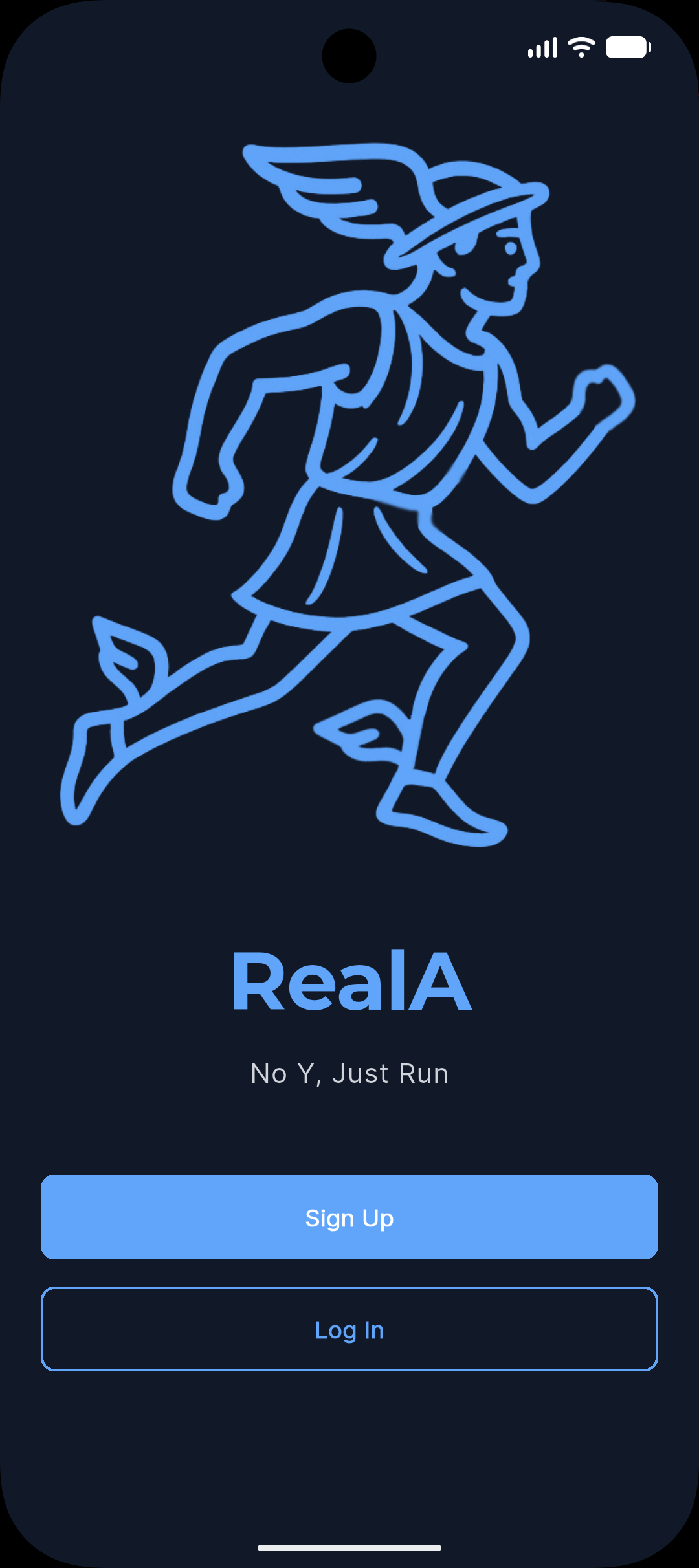
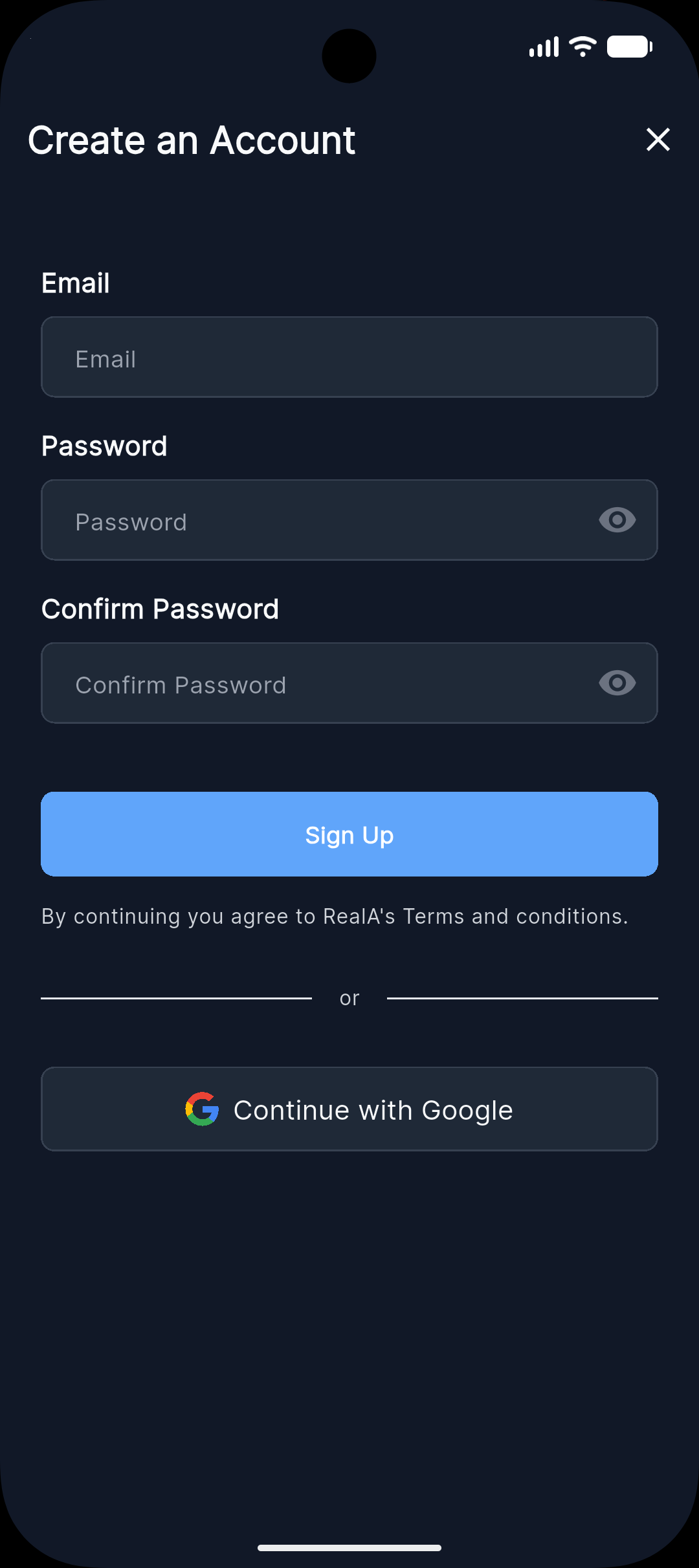
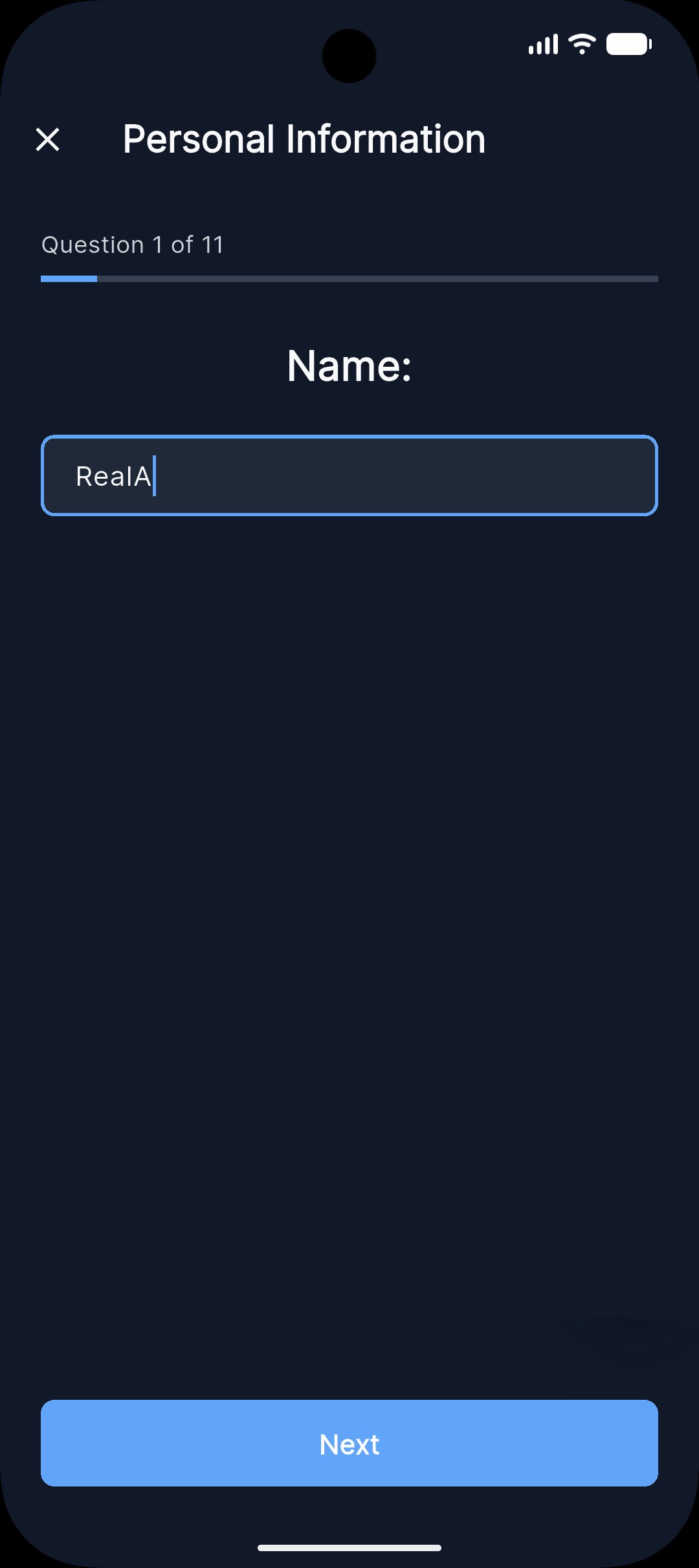
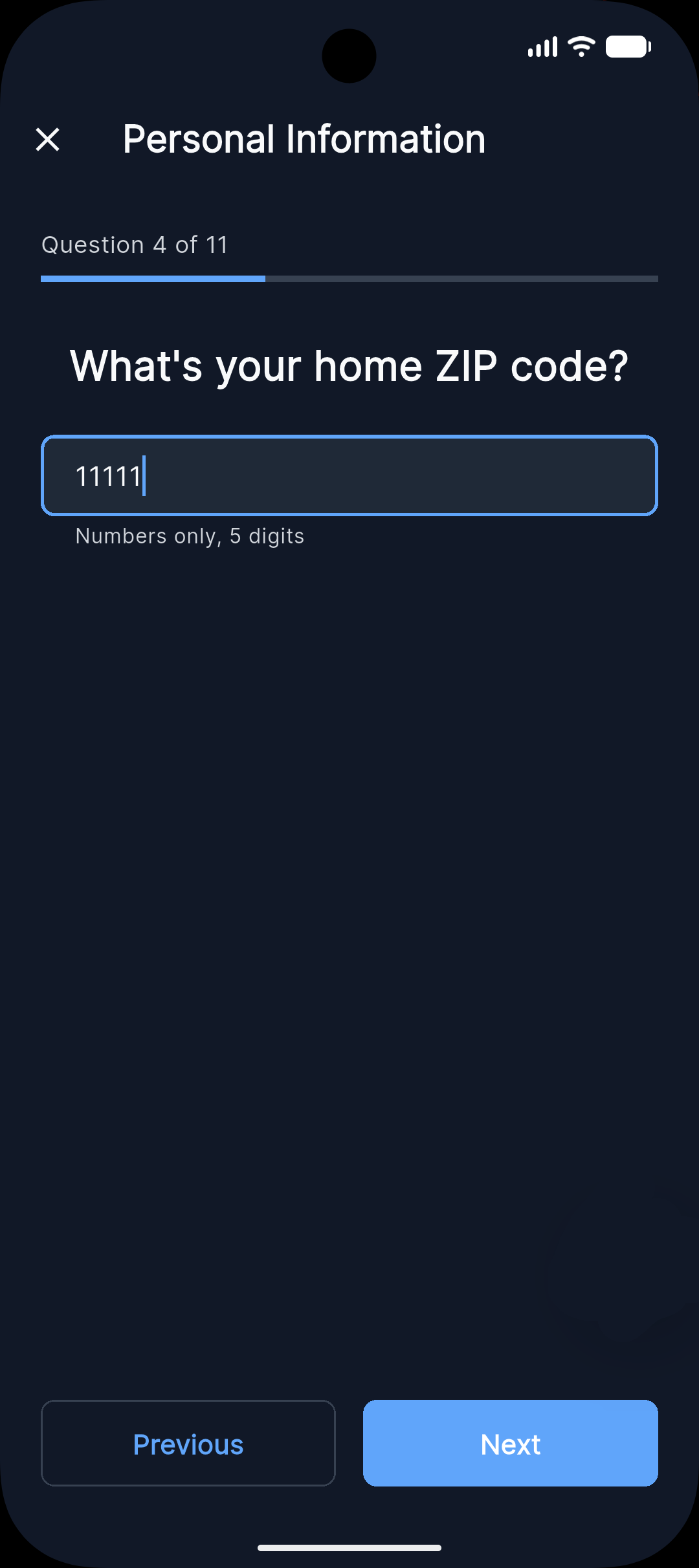
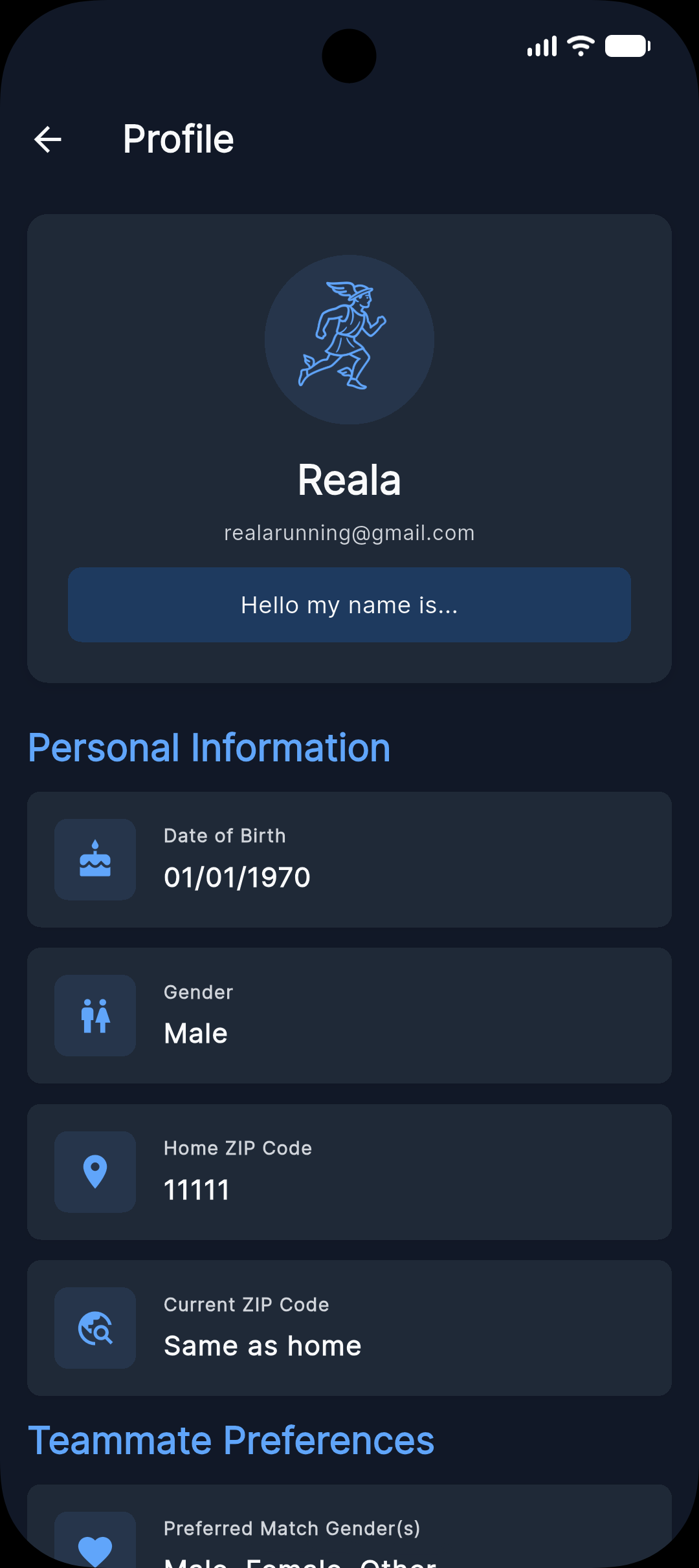
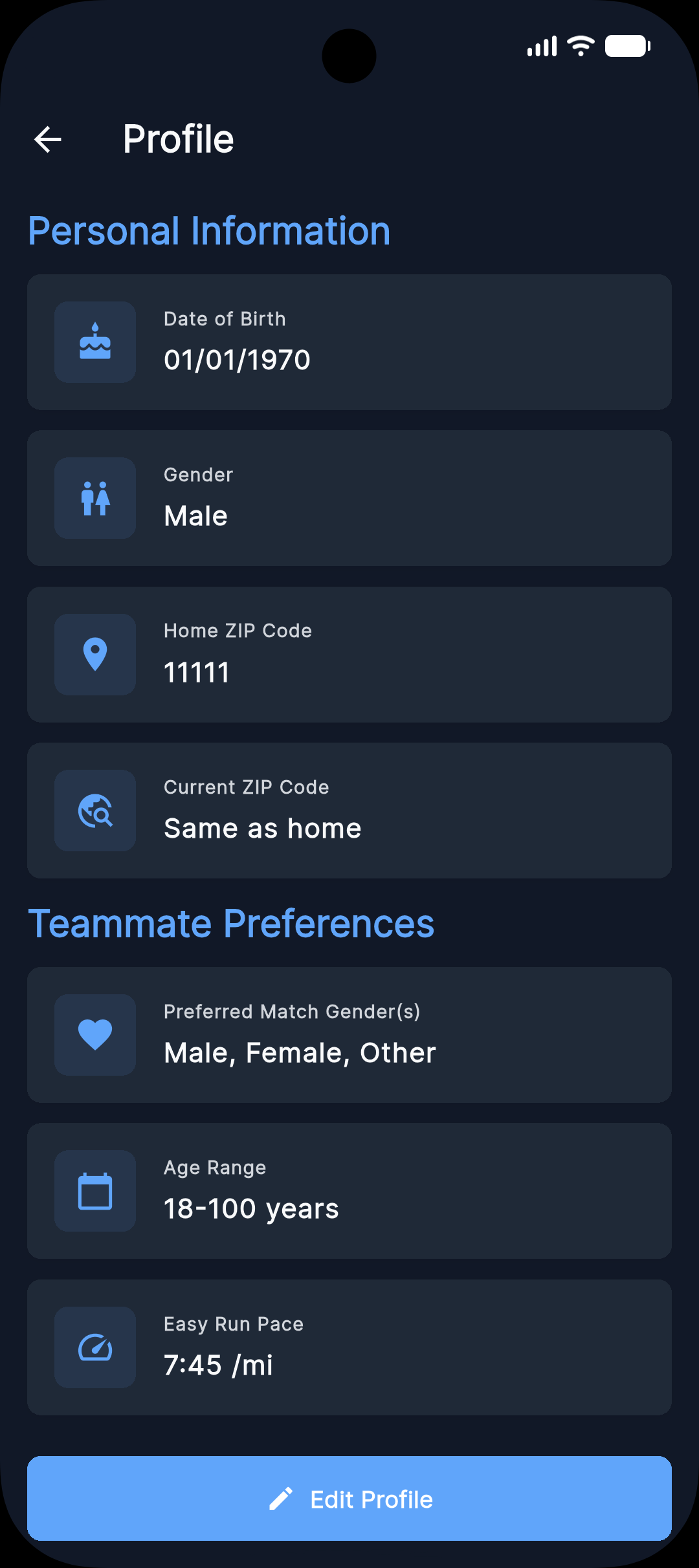
Sign up with a valid email or your Google account. You’ll be guided through a short survey where you enter your name, age, ZIP code, typical pace, and a short bio. Once complete, your profile is live and you can start discovering runners near you.
Is RealA free to use?
Yes. RealA is 100% free. There is no cost to sign up or use the app.
Do I need a GPS watch or fitness tracker to use RealA?
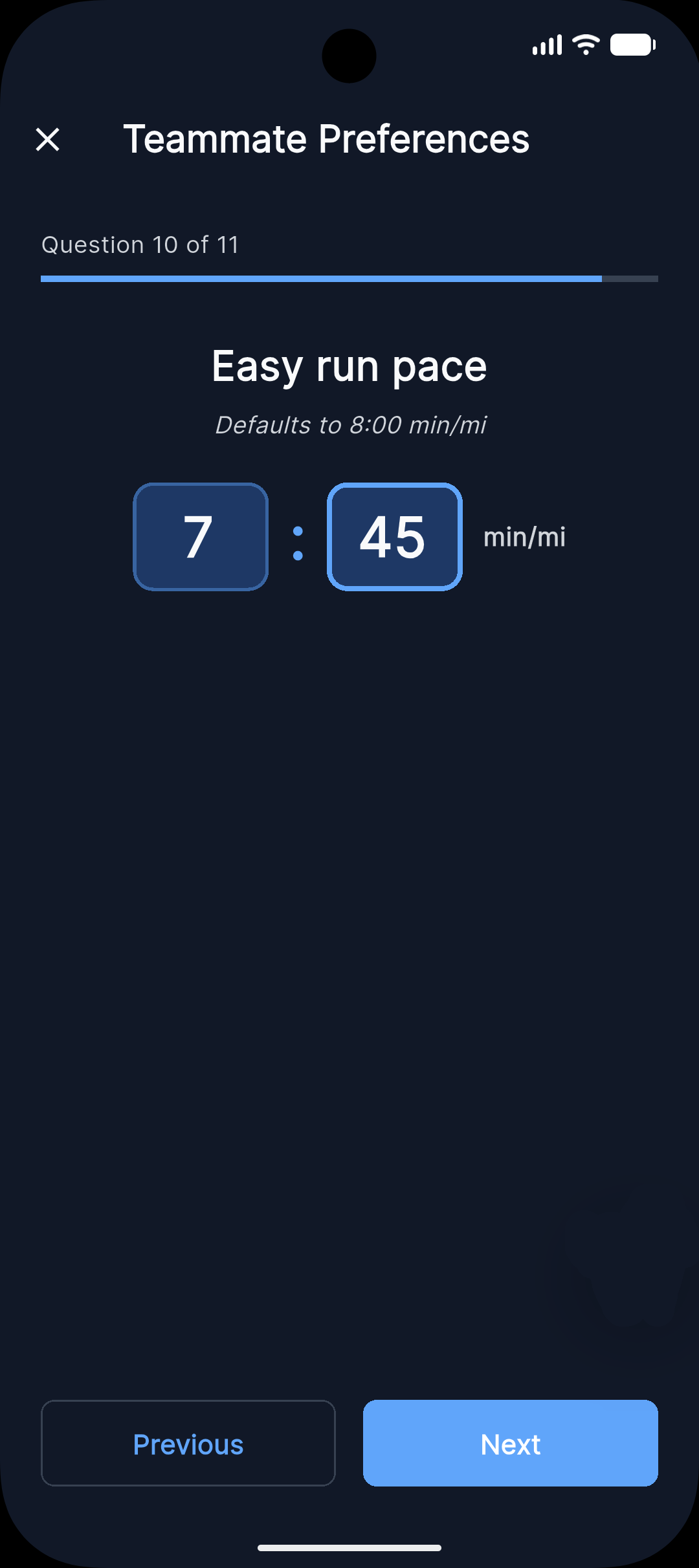
No. You only need a phone to run the app. You enter your typical easy-run pace in your profile; we don’t require a GPS watch or connected tracker.
Matching & discovery
How does the pace matching work?
We match you with runners whose pace is within about 30 seconds per mile (or per km) of yours. You set your typical easy-run pace in your profile; Discover shows runners in that range so you can run together comfortably.
Can I search for runners by location?
Yes. Discovery is based on location (ZIP code only). You can use your home ZIP or set a “current” ZIP when you’re traveling. Other users do not see your exact address or precise location-only that you’re in the same ZIP. You can also filter by preferred gender, age range, and pace.
What happens when I match with someone?
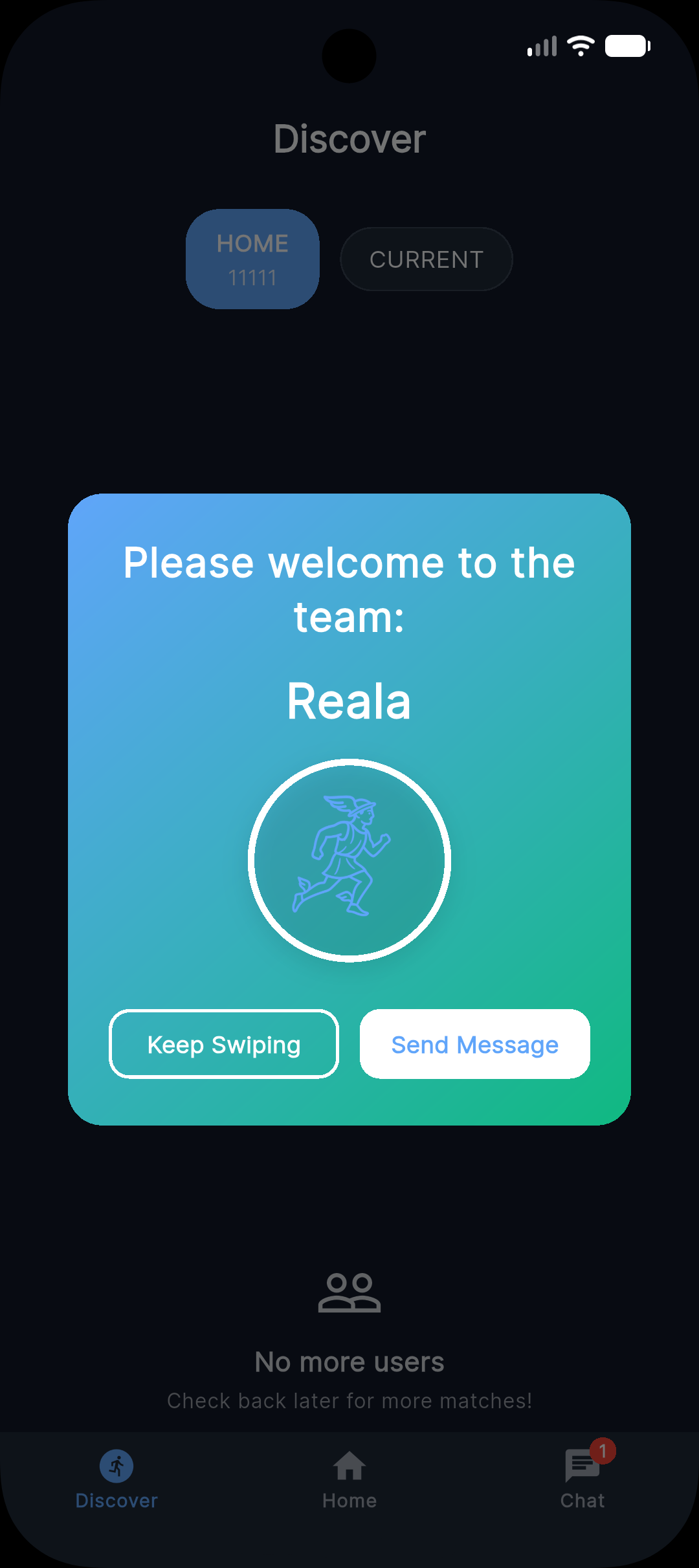
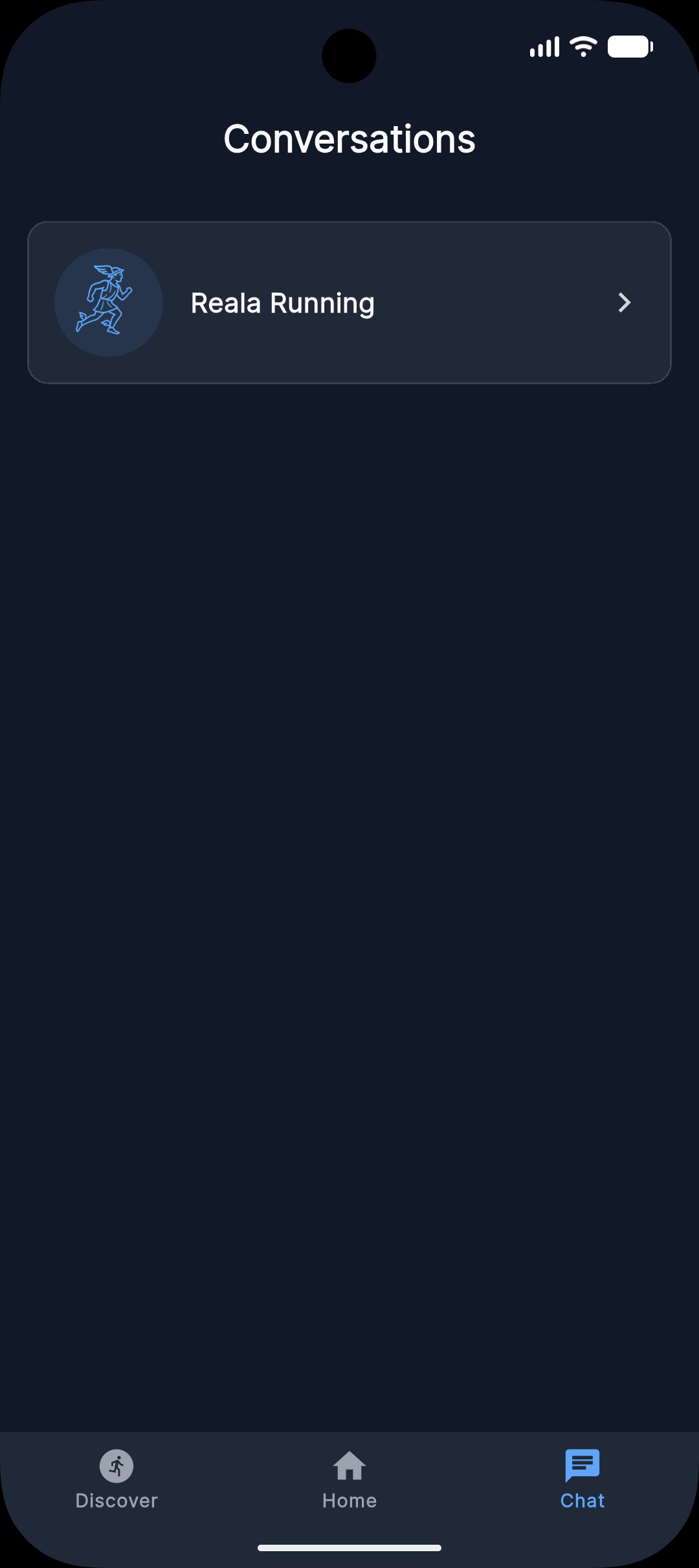
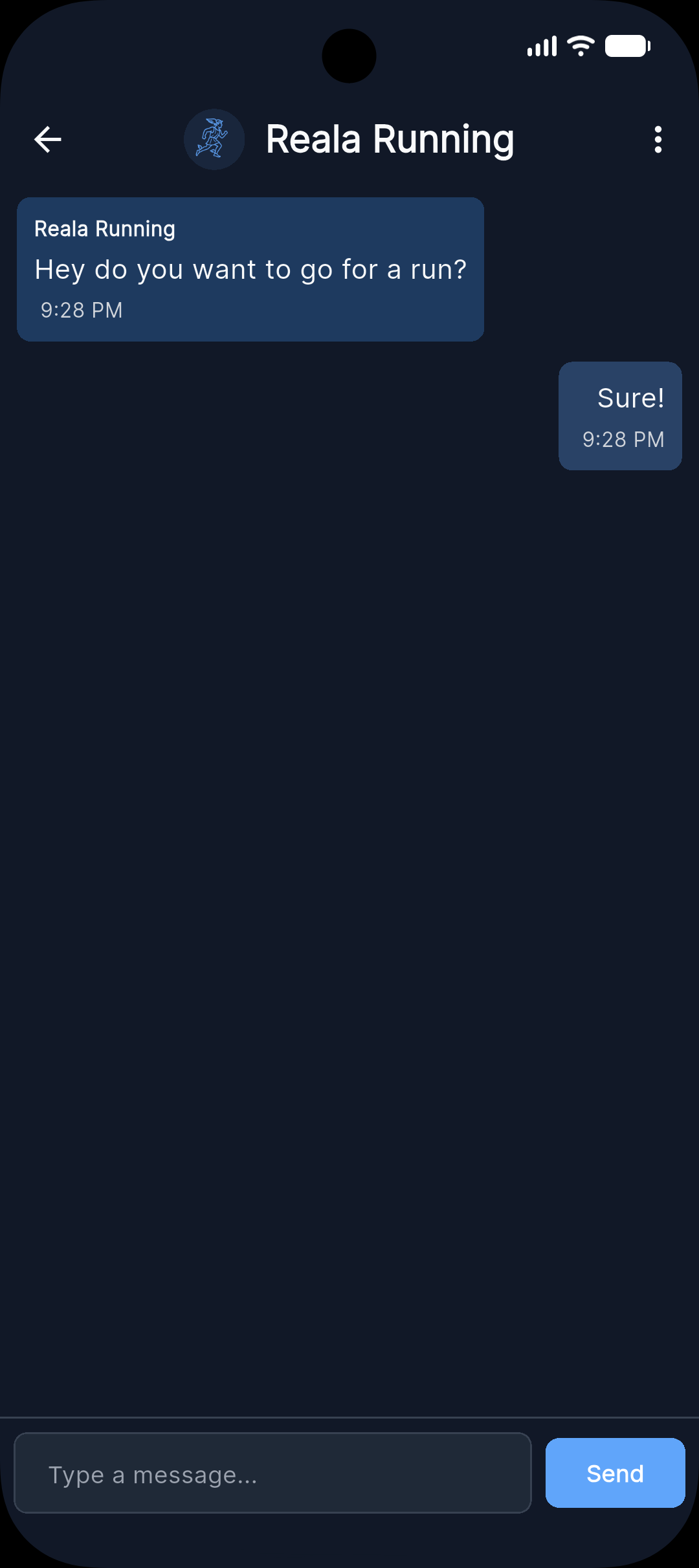
When you and another runner both swipe right (like) on each other, you’re matched. You can then open the conversation from the Chats screen (bottom navigation), say hi, and plan when and where to meet for a run.
Why am I not seeing many matches?
Matches depend on who’s in your area (ZIP), has completed their profile, and fits your filters (gender, age, pace). As more runners join your area, your discover stack will grow.
Account & profile
How do I edit my profile?
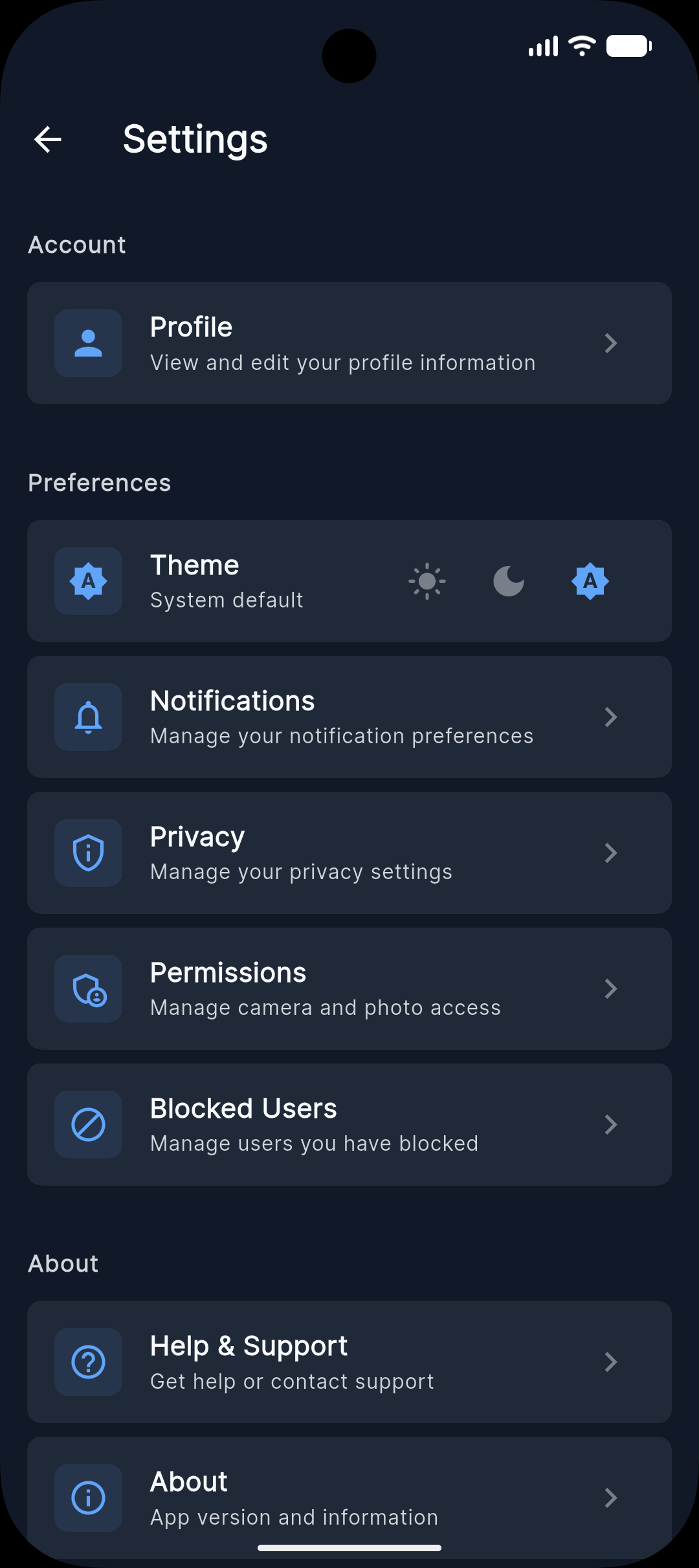
Open your profile from the app (top of the settings page, which is accessible through the gear icon in the home page), then edit your photo, name, age, ZIP, pace, and bio there. Changes save immediately.
How do I delete my account?
In the app: Settings → Account Actions → Delete Account, then confirm. Deletion is permanent. You can also request deletion via email-see our account deletion guide for details.
I forgot my password. How do I reset it?
On the sign-in screen, tap “Forgot password” and follow the steps sent to your email. If you don’t see that option or the email doesn’t arrive, contact reala.running@gmail.com and we’ll help you regain access.
Safety & reporting
How do I block someone?
In the chat with that person, tap the menu or info icon, then Take action → Block. Blocked users can’t see your profile, message you, or appear in your discover feed. You can unblock later from Settings → Blocked users. For more detail, see our Safety page.
Tap Take action to open options:


How do I report inappropriate behavior?
In the chat, tap the menu or info icon → Take action → Report, then choose a reason (e.g. harassment, inappropriate content, child safety). Reports are reviewed by our team. For urgent safety concerns, email reala.running@gmail.com with “Safety Report” in the subject line.
Same path as blocking: chat → menu → Take action → Report. See the screenshots above.
I received a message that made me uncomfortable. What do I do?
You can Block or Report that person from the chat (menu → Take action). If you feel unsafe or the behavior may be illegal, contact local authorities and email us at reala.running@gmail.com with “Safety Report” so we can take action.
Can other users see my exact location?
No. We match by ZIP code only. Other users do not see your exact address or precise location-only that you’re in the same ZIP. RealA does not use GPS or track your precise location.
Technical issues
The app is crashing or not loading. What should I do?
Try closing and reopening the app, then ensure your device is updated. If it still crashes, delete and reinstall RealA (you can sign back in with the same account). If the issue continues, email reala.running@gmail.com with your device model and OS version so we can help.
My notifications aren't working.
Check that RealA has permission to send notifications: on iOS, go to Settings → RealA → Notifications and turn them on; on Android, go to Settings → Apps → RealA → Notifications and enable them. Also make sure Do Not Disturb or Focus modes aren’t blocking the app.
How do I connect my Strava / Garmin / Apple Health account?
RealA uses the pace you enter in your profile; we don’t currently support connecting third-party fitness trackers (Strava, Garmin, Apple Health). You can update your pace anytime in your profile to reflect your current training.
Still need help?
Email us at reala.running@gmail.com. We aim to respond within 48 hours. Please include your account email and a short description of the issue so we can help faster.